
For product and industrial designers
Product And Industrial Design
Project management for product and industrial designers, made for work that spans CAD, references, suppliers, samples and renders. A typical product project has files scattered across local folders, supplier emails, a components list in another app and three different reference boards. Formta keeps the CAD, the moodboards, the components inventory and the supplier specs in one project.
Create more. Manage less.
Models Next To The References
On Studio and Pro, upload 3D models up to 100 MB on Studio and 2 GB on Pro, and DXF drawings up to 500 MB on Studio and 2 GB on Pro. A GLTF, GLB, FBX, OBJ, STL or 3DM model shows in 3D on a Moodboard, beside the concept sketches and material references. Files from CAD programs, like STEP or IGES, need exporting to DXF first.
A Page For Each Stage
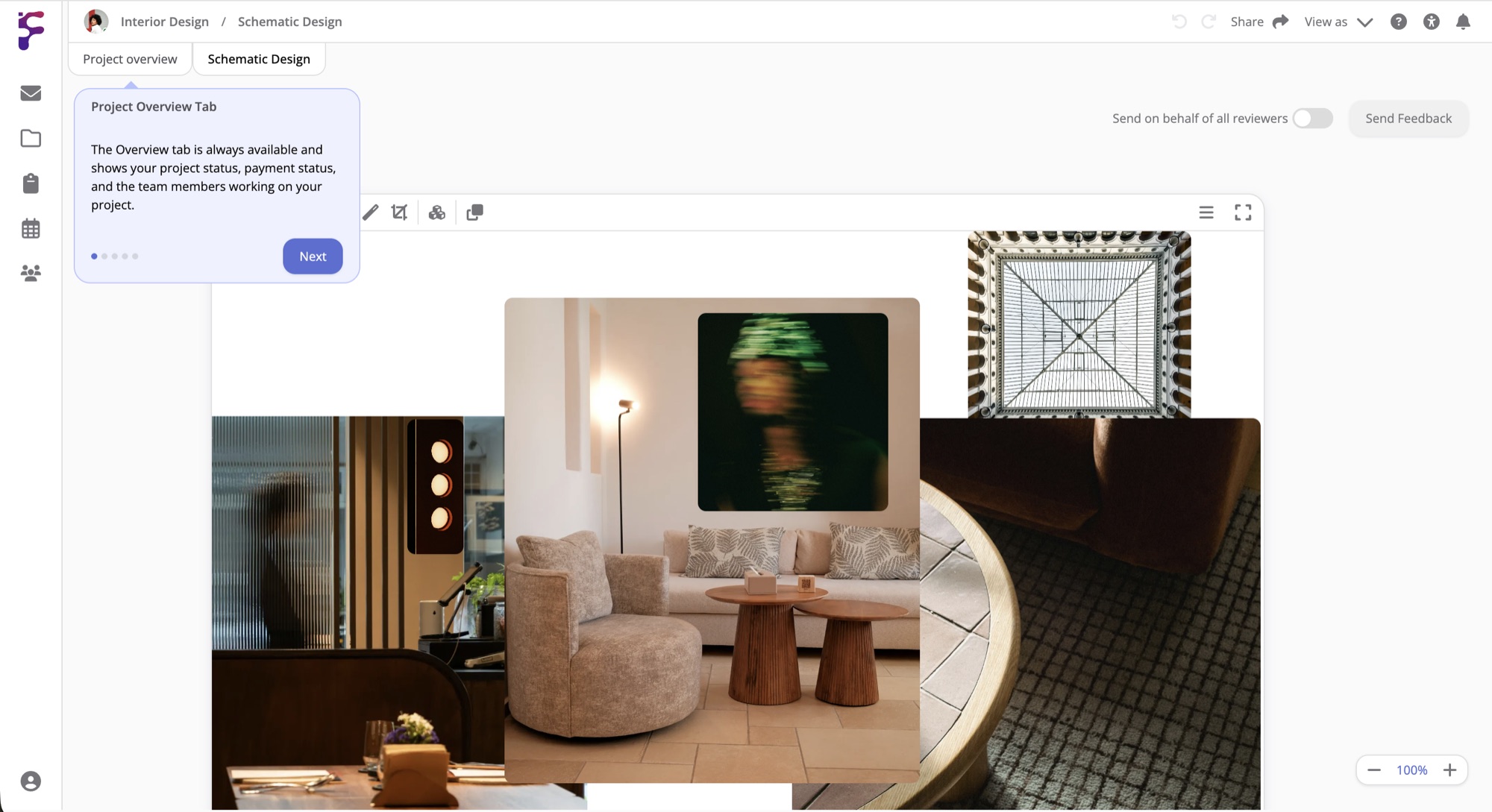
Give each stage of the product its own page, like research, concept, refinement, engineering, sampling and production. Right-click beside a model or a spec to start a conversation there, so the question about a wall thickness stays next to the part it's about. User Feedback sorts what testers tell you into Positive, Neutral and Negative, each card with a priority and a person to follow it up.
Components, Samples And Orders
Keep parts, finishes, fasteners and materials in your inventory with their size, stock and notes on suppliers and lead times. A Table works as the component list, with a status, a responsible person and a cost for each part. A Tracking List follows each sample and order from ordered to shipped and delivered, with its invoice status beside it.
Design Reviews With The Client
Hover Share and select Send to client to send the concept or the engineering page. Your client creates a free Formta account, or signs in, comments and approves the elements they're happy with. Each round is kept in its own tab, so you can always see which version was signed off. Studio includes 5 client revisions per project, and Pro has no limit.
Done Having Your Team Communication And Files
In 15 Different Places?
Start with a 30-day free trial. Full Pro access, no credit card. Bring your team when you're ready.
Start free trial