
For 3D artists
3D Art
Project management for 3D artists, made for work that moves through a long process: story, design, layout, modelling, texturing, rigging, animation, lighting, render, comp. Formta keeps everything in one project, with the script, the storyboard, the asset library and the client thread on the same set of pages.
Create more. Manage less.
Plan The Shot In 3D Before You Build It
On Studio and Pro, you can upload 3D models, cameras and lights to a Storyboard frame. Import a character or an environment as a GLTF, GLB, FBX, OBJ or 3DM file, set the camera's field of view and focal length, light the scene and draw over it on a layer of its own. When the frame works, export it as GLB, glTF or OBJ and open it again in your 3D program. Formta is for planning the shot. The modelling, sculpting and rendering still happen in the software you use for them.
Models Next To Your References
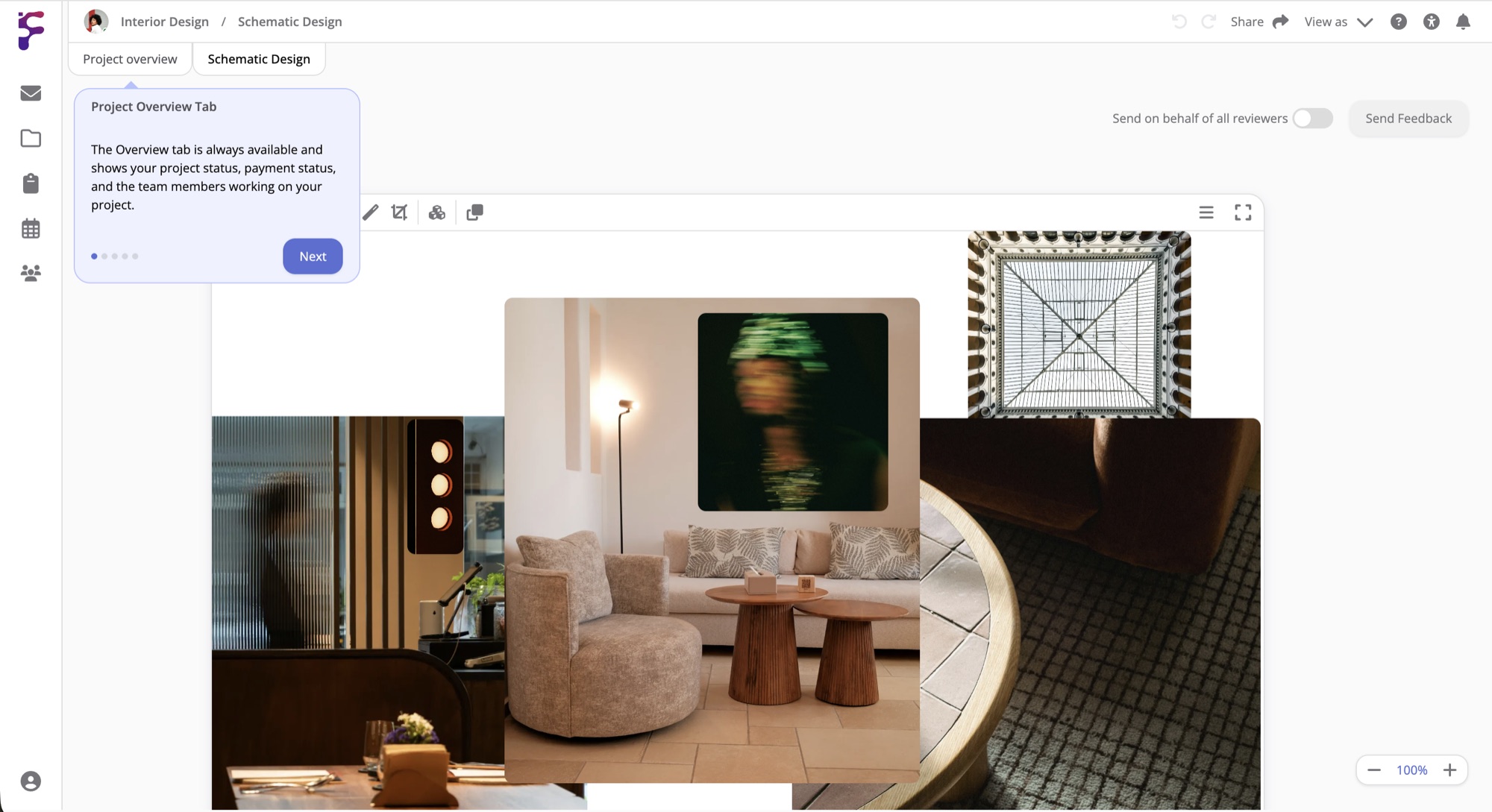
On Studio and Pro, a Moodboard shows GLTF, GLB, FBX, OBJ, STL and 3DM models in 3D, next to the concept art, the colour references and artwork from seven museum collections. A 3D file can be up to 100 MB on Studio and 2 GB on Pro. Files from Blender, Maya, 3ds Max, Cinema 4D or SketchUp don't open in a browser, so export them as GLB first. 3D files aren't included on Personal.
One Inventory For Every Asset
Keep characters, environments, props, textures and reference files in your inventory, with categories for the stages of the work and tags for the project or the status. An item can be on more than one project at a time, so the asset you built for last year's piece is ready for the next one without making a copy. An Inventory List on a project page shows only the items that project uses, filtered by tag, category or location.
Client Reviews, Round By Round
When a milestone is ready, hover Share on the project page and select Send to client. Your client creates a free Formta account, or signs in, and sees the page exactly as it looked when you sent it. They comment and approve the Storyboard when they're happy, and each round is kept in its own tab. Studio includes 5 client revisions per project, and Pro has no limit. To start a project already set up for this work, select the 3D art template when you create it.
Done Having Your Team Communication And Files
In 15 Different Places?
Start with a 30-day free trial. Full Pro access, no credit card. Bring your team when you're ready.
Start free trial