
For creative teams and studios
Creative Teams And Studios
Your studio already knows what makes a good project. The trouble is that it's spread across a brief in one tool, a moodboard in another, a planner in a third and feedback in an inbox. Formta puts each client project on one set of pages, so the team works from the same place and the client reviews it there too.
Create more. Manage less.
A New Client On Monday, Set Up By Lunch
The way your studio works on a project is worth keeping. Save a project that worked as a template, with its pages and elements and what's in them if you like, and the next client starts the same way, whoever on the team creates it. Manage Templates on the Projects page holds every template the team has saved, and there's a Creative teams & studios template to start from on day one.
The Workshop Stays In The Project
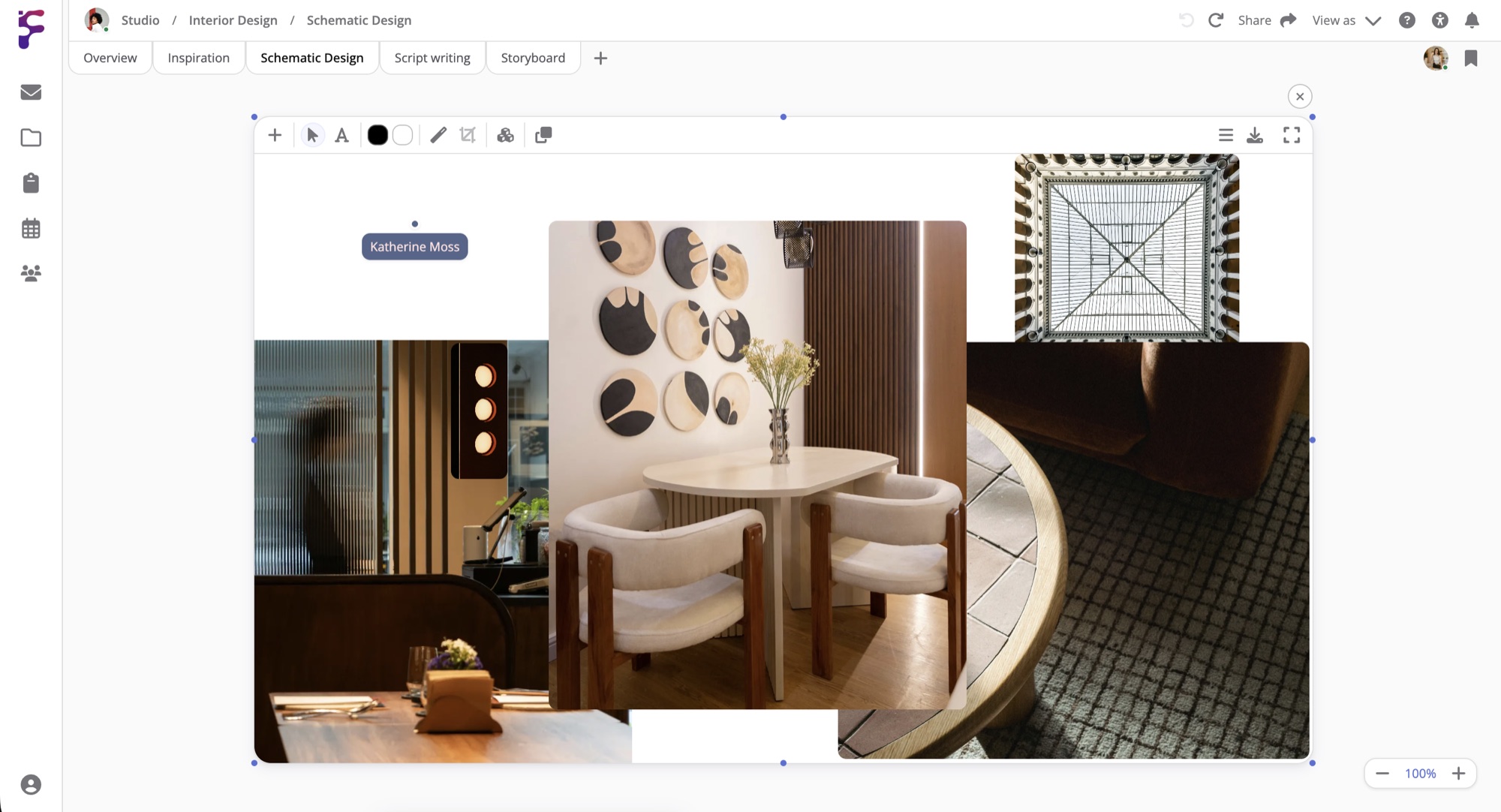
Run the kick-off on a Whiteboard with sticky notes, arrows, shapes and freehand drawing, and it stays in the project as the record of what was agreed, not a photo in someone's camera roll. Everyone on the project sees each other's changes as they happen, with each person's cursor and name, in moodboards, whiteboards, storyboards, tables and budget sheets. Right-click anywhere on a page to start a conversation next to the work it's about.
Client Feedback Without The Email Chain
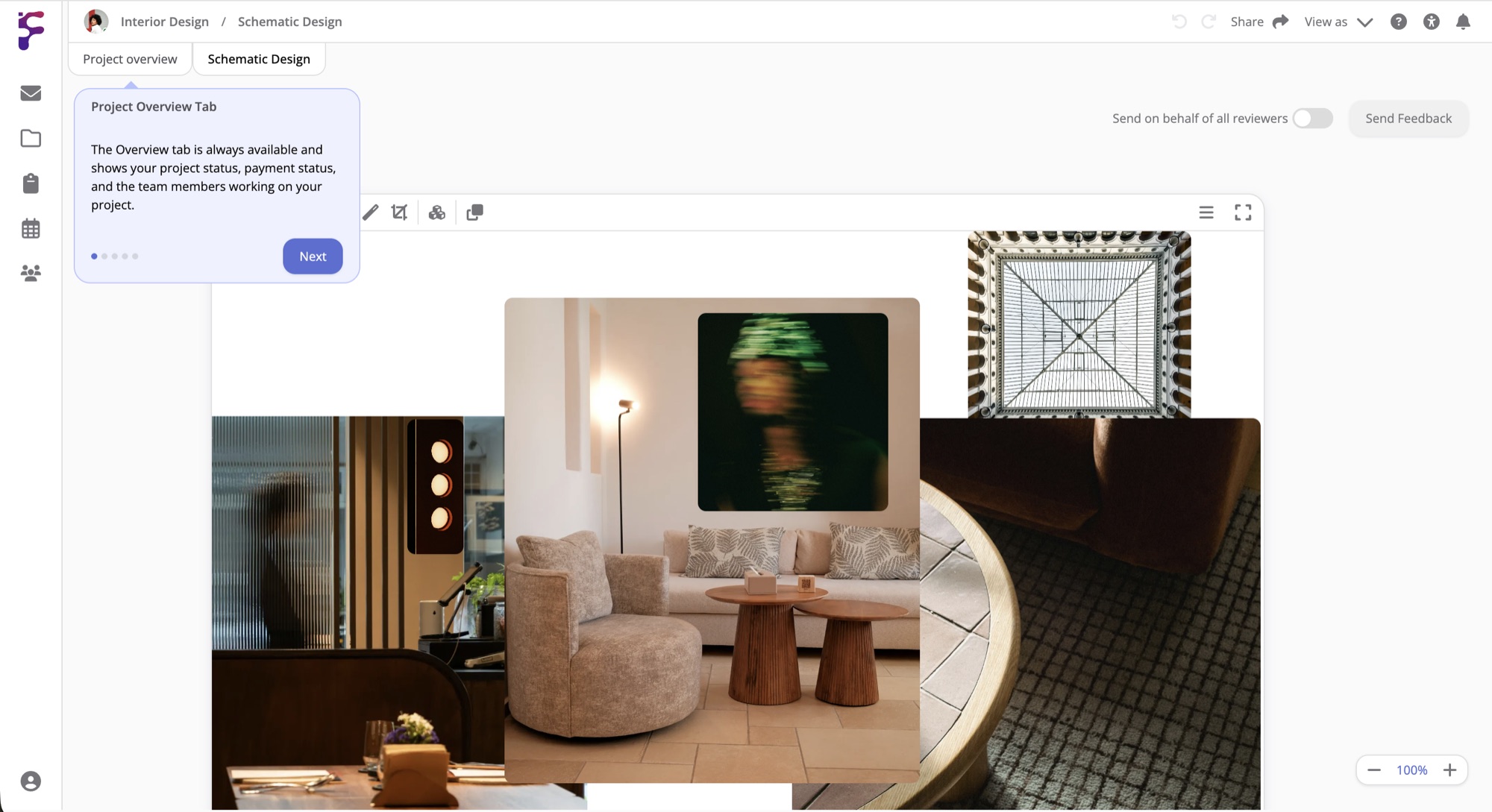
Send the client a page from the project as a client revision. They open it from the email, see the work exactly as you sent it and send their feedback from the page. Nothing gets lost in a thread, and the next version goes out the same way, so you can see what changed between rounds.
The Studio Between Projects
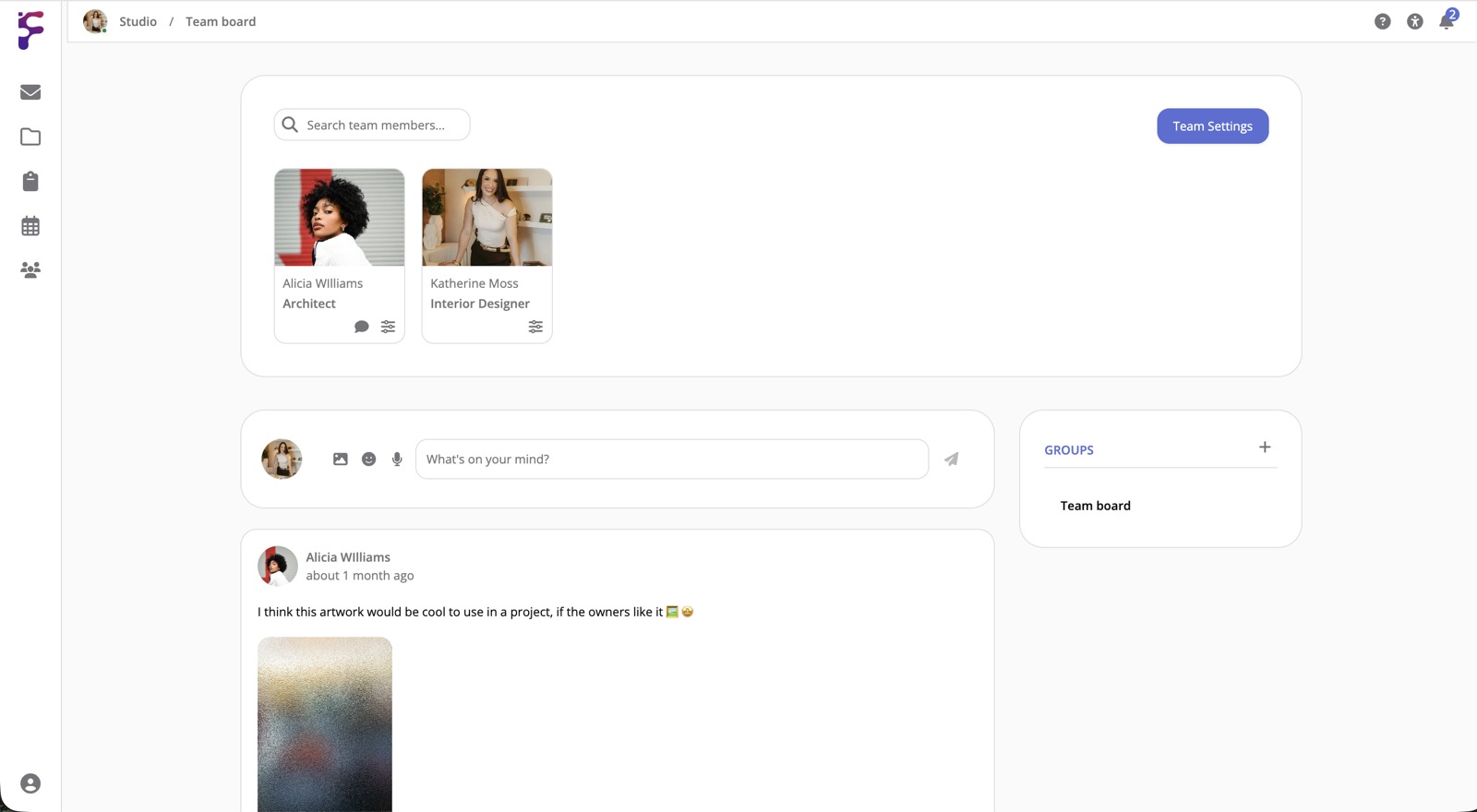
On Studio and Pro, the Team page holds posts sorted by topic, like studio operations or process updates. Type @ to mention someone, or # to link a project, element, task, event, meeting or inventory item. The Inbox is there for a message to one person, and the Team Mood Tracker shows how the team has been feeling, which tells you more about a busy month than a status report does.
Less Time Reporting, More Time On The Work
On the last day of every month, Formta makes a report for each running project with the team, timeline, budget status, deadlines and risks, ready to export as a PDF for the client or the studio. Studio includes 5 users and you can add more up to 25. On Pro you pay for each user, with no limit on the size of the team. A deleted project can be recovered for 7 days on Studio and 30 days on Pro.
See Formta
In Action
30 days free, no card needed. Bring your team when you're ready.
Start free trial