
For architects
Architecture
Project management for architects, made for the long arc of a building. The brief, the schematic, the BIM model, the consultant set, the materials, the programme and the client thread move through months or years and usually across five tools. Formta keeps the whole scheme on one project, in the order it actually happens.
Create more. Manage less.
Floor Plans Drawn To Scale
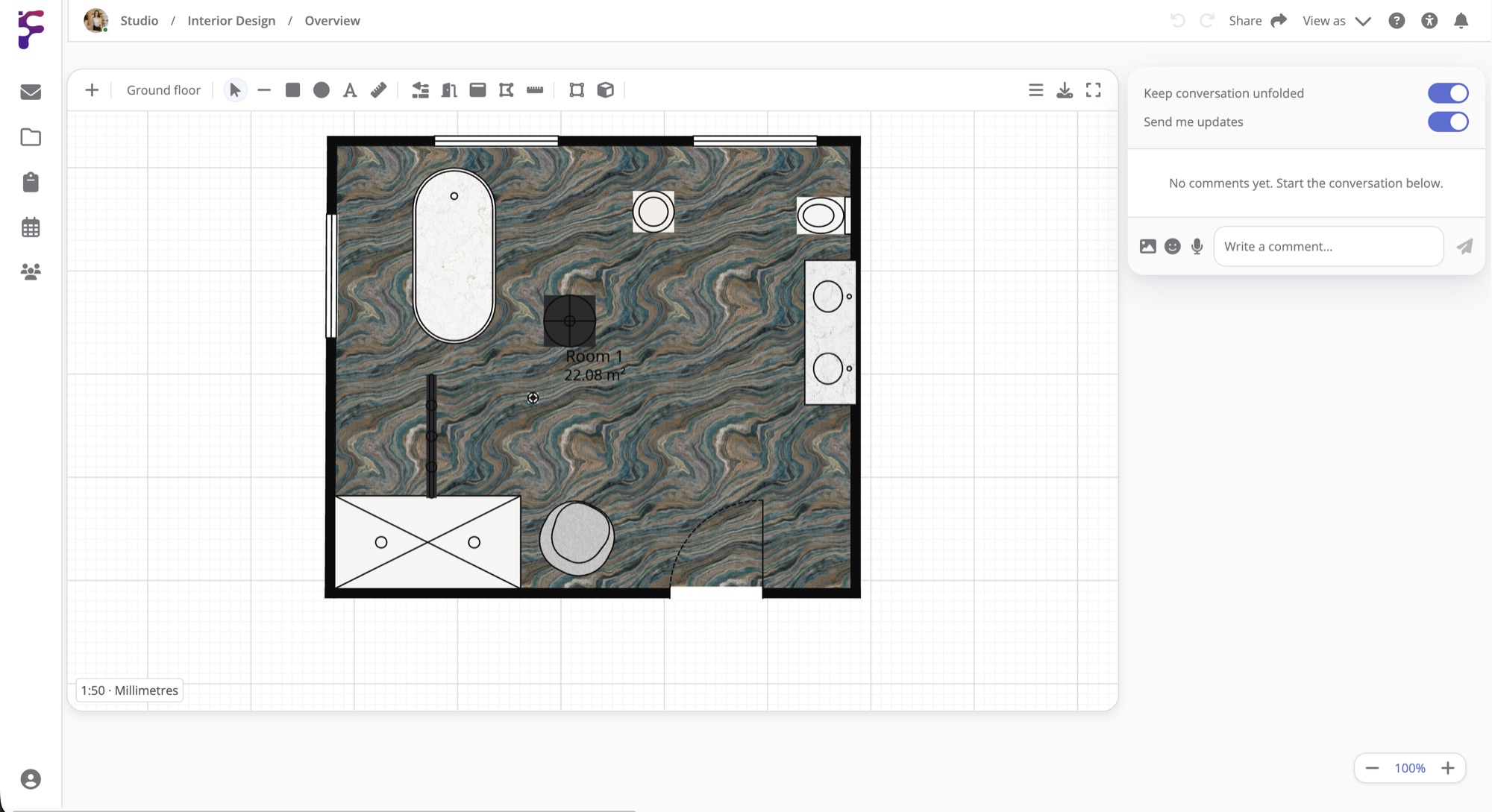
On Studio and Pro, the Blueprint element draws floor plans in real units. Draw the walls, click inside them with the Room tool to get each room and its area, then add doors, windows and dimensions. Type a length like 3.2 m while you draw and the wall is exactly that long. Each floor has its own layers, and the 3D view shows the floor you're on, or the whole building from outside.
Draw Over Technical Drawings
Import a DXF file and it comes in at its real size behind your plan, ready to draw over. A DXF can be up to 500 MB on Studio and 2 GB on Pro, and drawings from AutoCAD or other CAD programs need saving as DXF first. Export your plan as a PDF with a title block for the client, or as a DXF to go back into CAD. IFC files exported from Revit or ArchiCAD can be uploaded to the project too, up to 1 GB on Studio and 5 GB on Pro.
A Page For Each Stage Of The Scheme
A project can have as many pages as you need, so give each stage its own, like the brief, concept, planning, technical design, tender and construction. Right-click beside a drawing to start a conversation there, so the engineer's question about a junction and your answer stay next to the drawing they're about. Start from the Architecture template, or save your own set-up as a template once it works.
Client Sign-Off At Each Stage
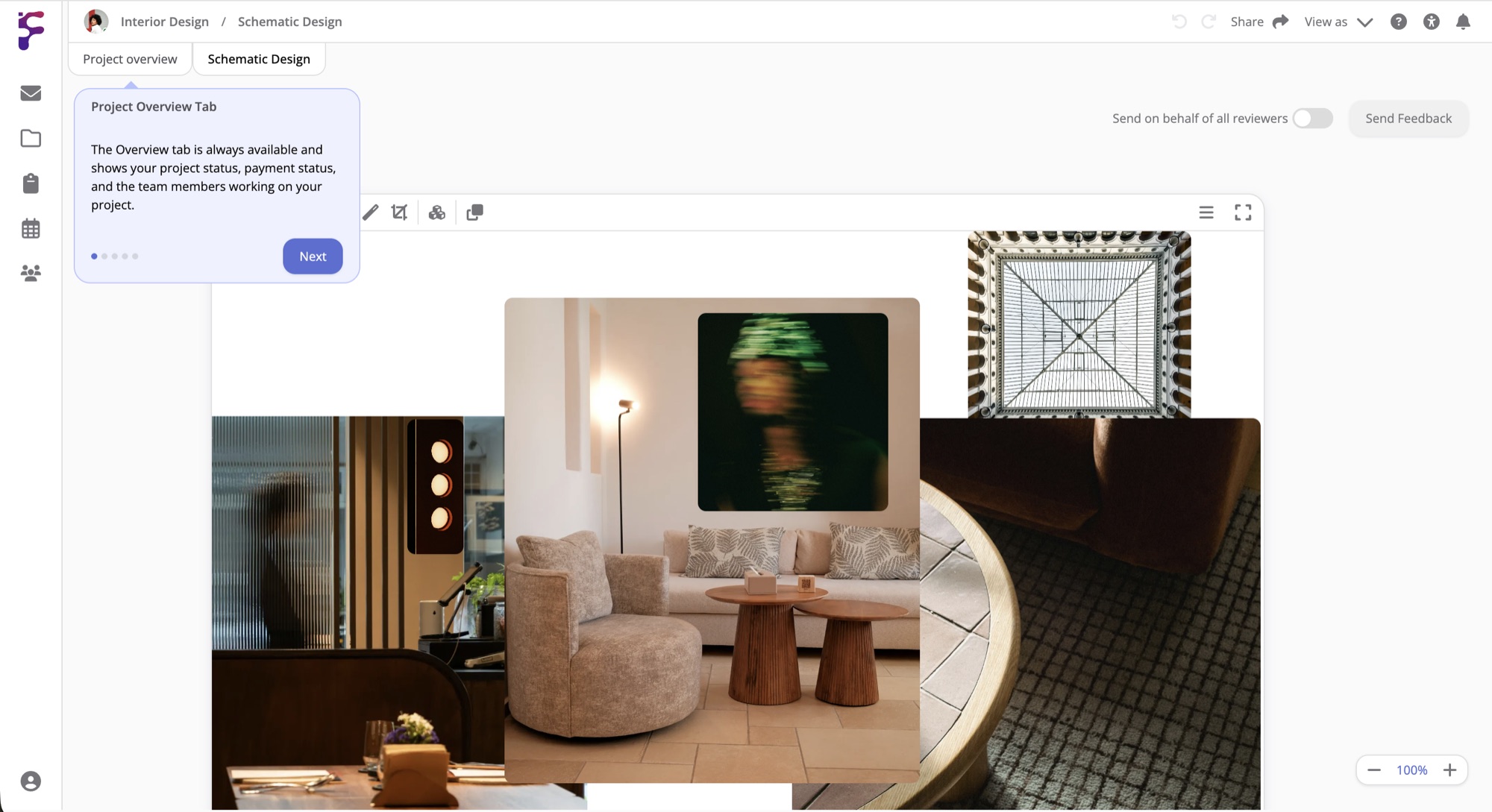
When a stage is ready for the client, hover Share and select Send to client. They create a free Formta account, or sign in, and see the page exactly as it looked when you sent it. They comment and approve the elements on it, and you see what they've commented on highlighted on the page. Each round is kept in its own tab, so months later you can still see what was reviewed. Studio includes 5 client revisions per project, and Pro has no limit.
Done Having Your Team Communication And Files
In 15 Different Places?
Start with a 30-day free trial. Full Pro access, no credit card. Bring your team when you're ready.
Start free trial