
For film and video producers
Film And Video
Project management for film and video, made for the way a production actually moves. Pre-production usually means a storyboard tool, a call-sheet spreadsheet and version control by date-stamped folders. Shoot days mean a Slack thread and a folder of attachments. Formta keeps the whole production on one project, from development through the wrap.
Create more. Manage less.
Every Shot With Its Details
Each Storyboard frame has a canvas to draw on and the shot's details beside it, like scene, shot, duration, action, dialogue, location, lighting, props and clothing, camera movement, focal length and transition. Keep the shot list in a Table and connect it to the Storyboard, and the frames take their details from its rows. Export the whole Storyboard as a PDF for the crew.
The Animatic Before The Shoot
Press Space and the Storyboard plays each frame for its duration, with its transitions. Connect a Video element to it and the animatic plays on the project page, and updates when a frame changes. On Studio and Pro, a frame can take 3D models, cameras and lights, so you can block a scene with a model of the set and a camera at the focal length you plan to use, then export it as GLB, glTF or OBJ for the VFX team.
A Page For Each Shoot Day
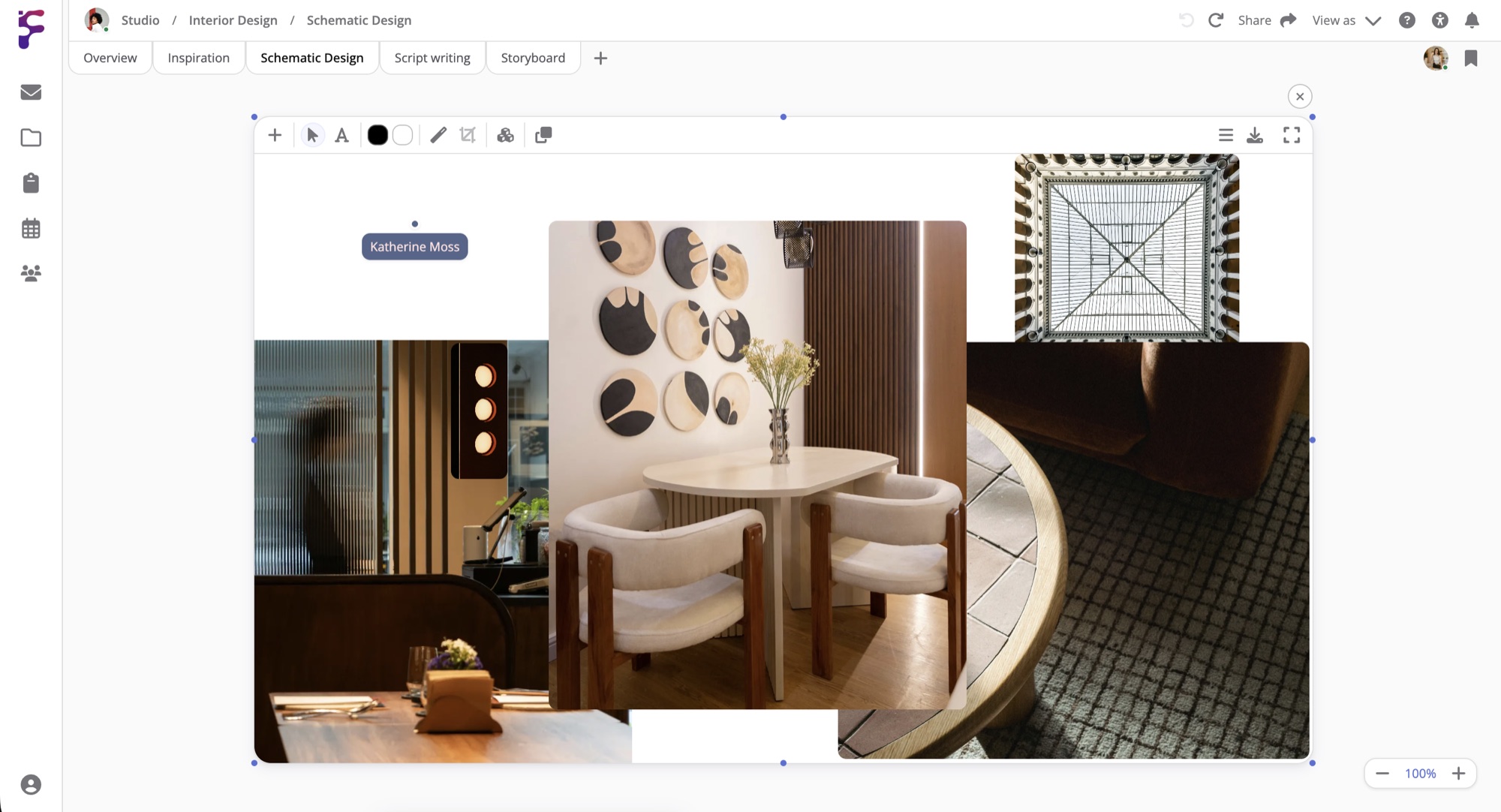
Give each shoot day its own page, with the call sheet, the shot list, a Map of the location and the day's meetings. A Weather column in a Table shows the forecast for each row's location. Keep cameras, lenses, lights and sound kit in your inventory with where each piece is kept, and add an Inventory List to the day's page to show what's going out.
Cuts Your Client Can Review
Upload a cut to a Video element, or paste a YouTube or Vimeo link, then hover Share and select Send to client. Your client creates a free Formta account, or signs in, comments on the page and approves the video. For the next cut, click the pen icon to change the video and send the page again. A video can be up to 100 MB and 10 minutes long on Personal, 500 MB and an hour on Studio, and 1 GB and four hours on Pro.
Done Having Your Team Communication And Files
In 15 Different Places?
Start with a 30-day free trial. Full Pro access, no credit card. Bring your team when you're ready.
Start free trial