
For designers
Design
A design project moves from research to concept, prototype, user feedback, revision and handoff, usually across five tools that don't talk to each other. By the end, nobody can find why a decision was made. In Formta, the brief, the research, the moodboards, the prototypes and the client's feedback are on one project, so the reasoning behind the final design is still there months later.
Create more. Manage less.
Setting Up The Project Around Its Stages
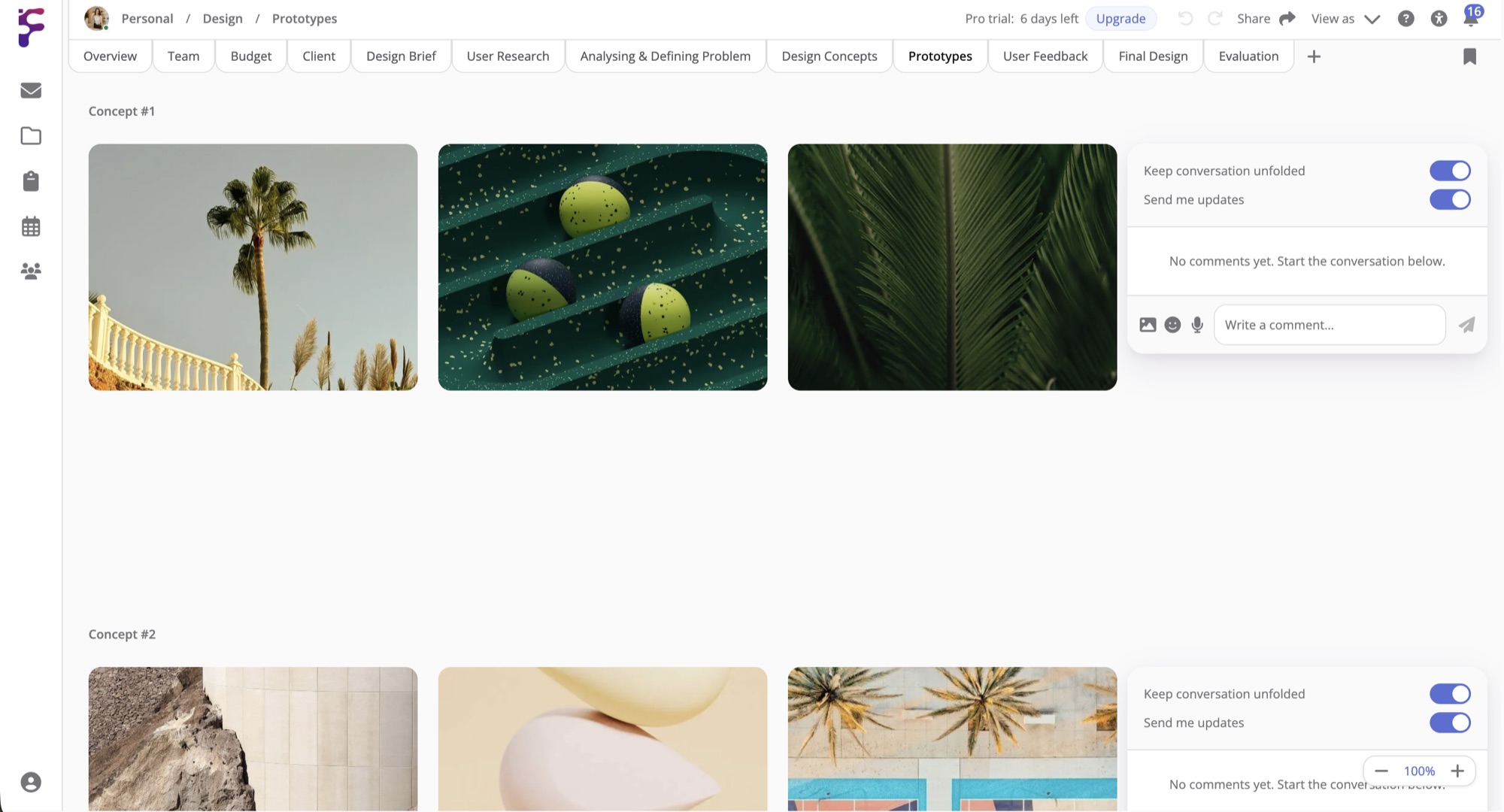
When the brief comes in, give each stage of the work its own page, like research, the problem, concepts, prototypes, user feedback and the final design. Every page belongs to the same project, with the same team, clients and settings, so the research is one tab away while you work on the concepts. Or start from the Design template, which sets up named pages with the elements for each stage.
Everything About The Brief On One Page
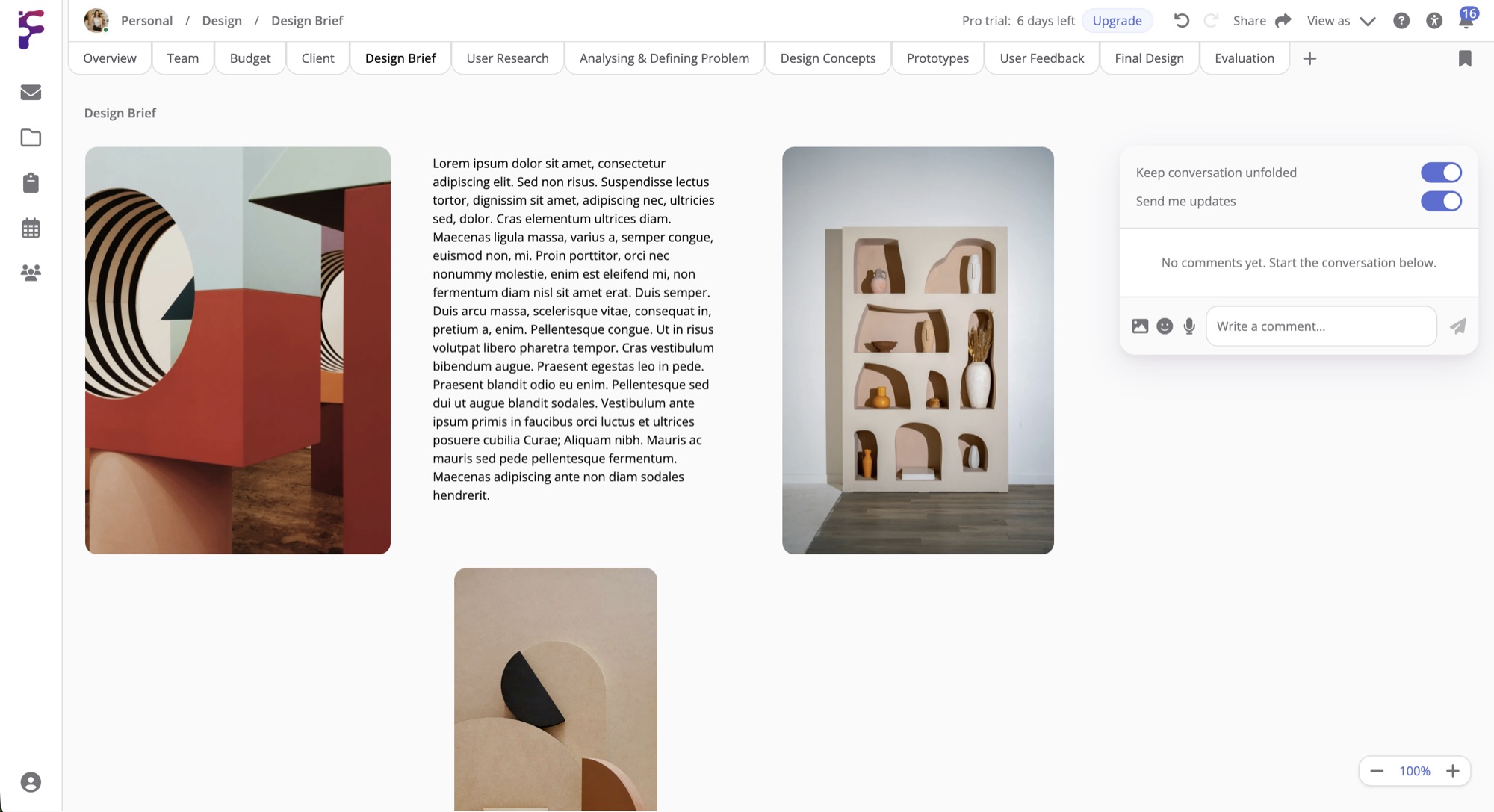
The Design template starts with a Design Brief page. Write the brief in its Text element, add pictures that set the tone, and put the longer write-up in a Document, so everyone works from the same brief from the first concept to the final design.
Making Sense Of User Testing
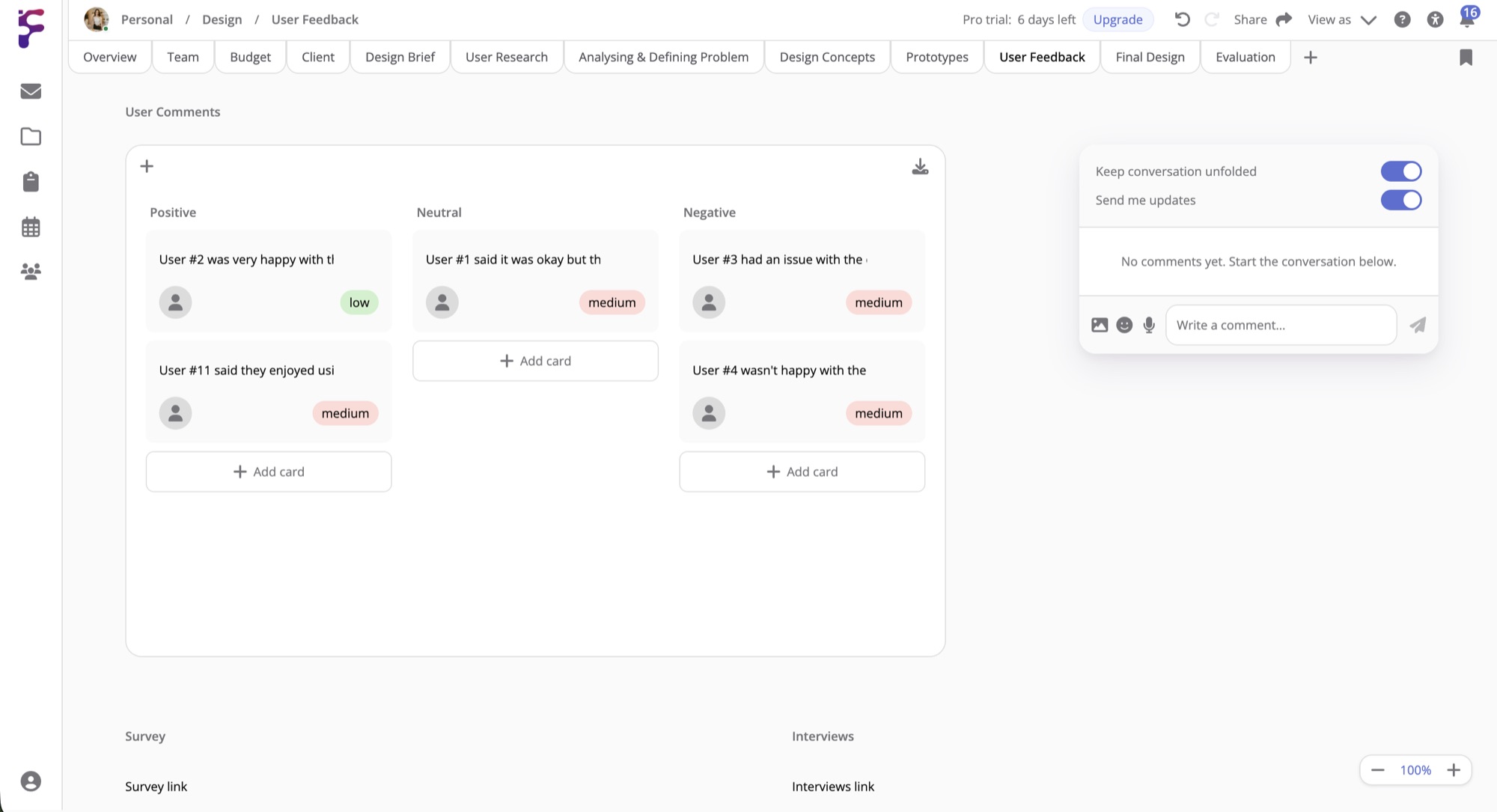
After a test or a review, sort each comment in User Feedback as a card in one of three columns, Positive, Neutral and Negative. Give a card a priority and a person to follow it up, and add it to a task in a To Do List. Connect the cards to a Mindmap and each one becomes a shape, so you can group them into themes before the next concept.
Concepts Out, Decisions Kept
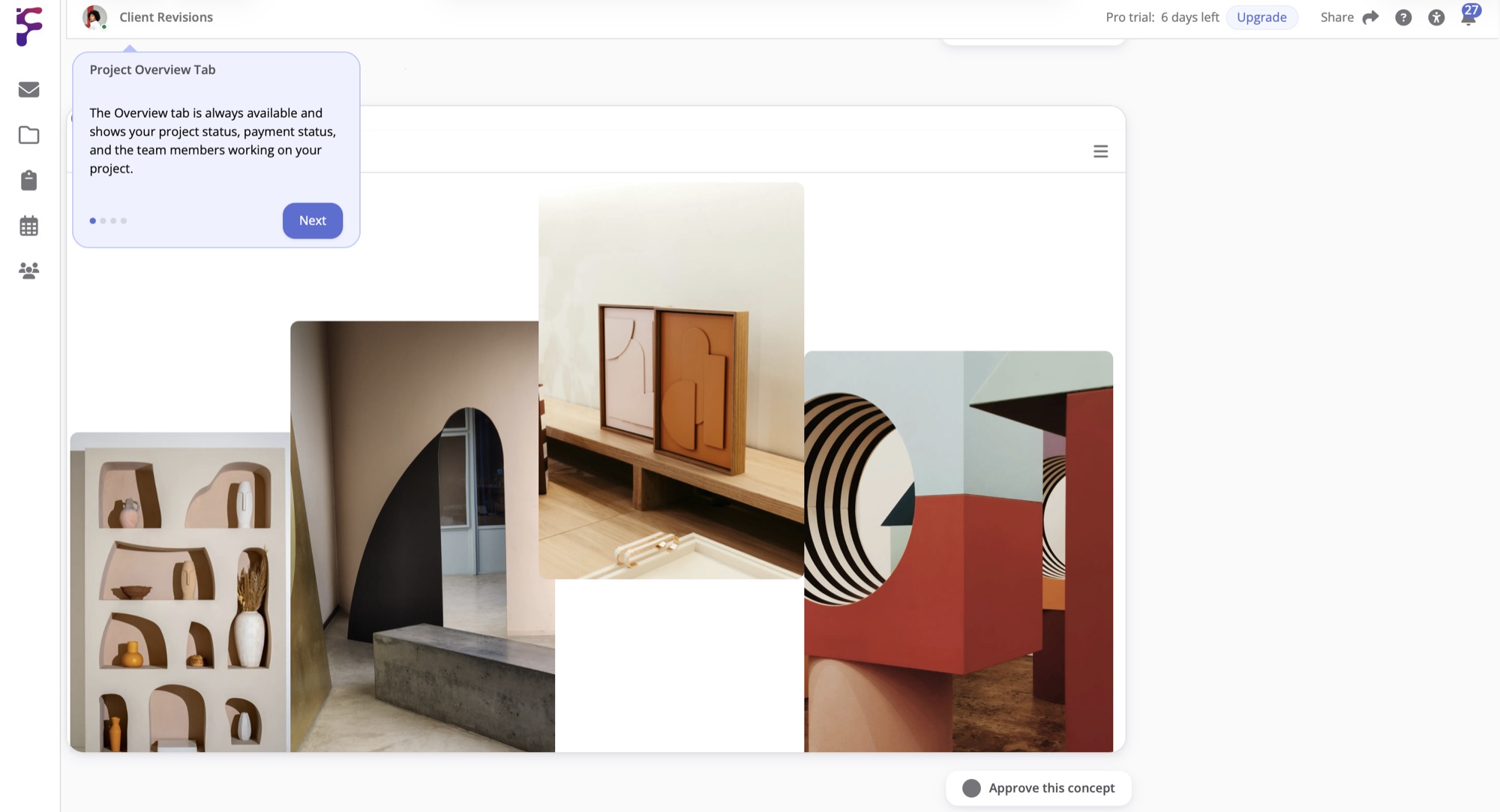
When the concepts are ready, hover Share and select Send to client to send the page. Your client creates a free Formta account, or signs in, comments and approves the elements they're happy with. Each round shows the page exactly as you sent it, so the history of the decisions is still there when the project's done. Personal includes 3 client revisions per project, Studio 5 and Pro has no limit.
See Formta
In Action
30 days free, no card needed. Bring your team when you're ready.
Start free trial