
For graphic designers
Graphic Design
Identity work starts with references spread across browser tabs, screenshot folders and chat threads, then moves through a moodboard tool, a colour app and a proofing service before the brand book is done. Something gets lost at every move. Formta keeps the brief, the references, the palette, the concepts and the client revisions on one project, from the first reference to the final brand book.
Create more. Manage less.
The First Concepts Beside The References
Start the project from the Graphic design template, and put the references and the first concepts on one Moodboard. On Studio, it shows Photoshop files up to 200 MB and Illustrator files up to 100 MB. Pro takes larger files, and Sketch files too. Set the canvas to A4, a billboard or a social media post, and export the moodboard as a PNG, a PDF or a layered Photoshop file.
A Palette The Printer Can Actually Print
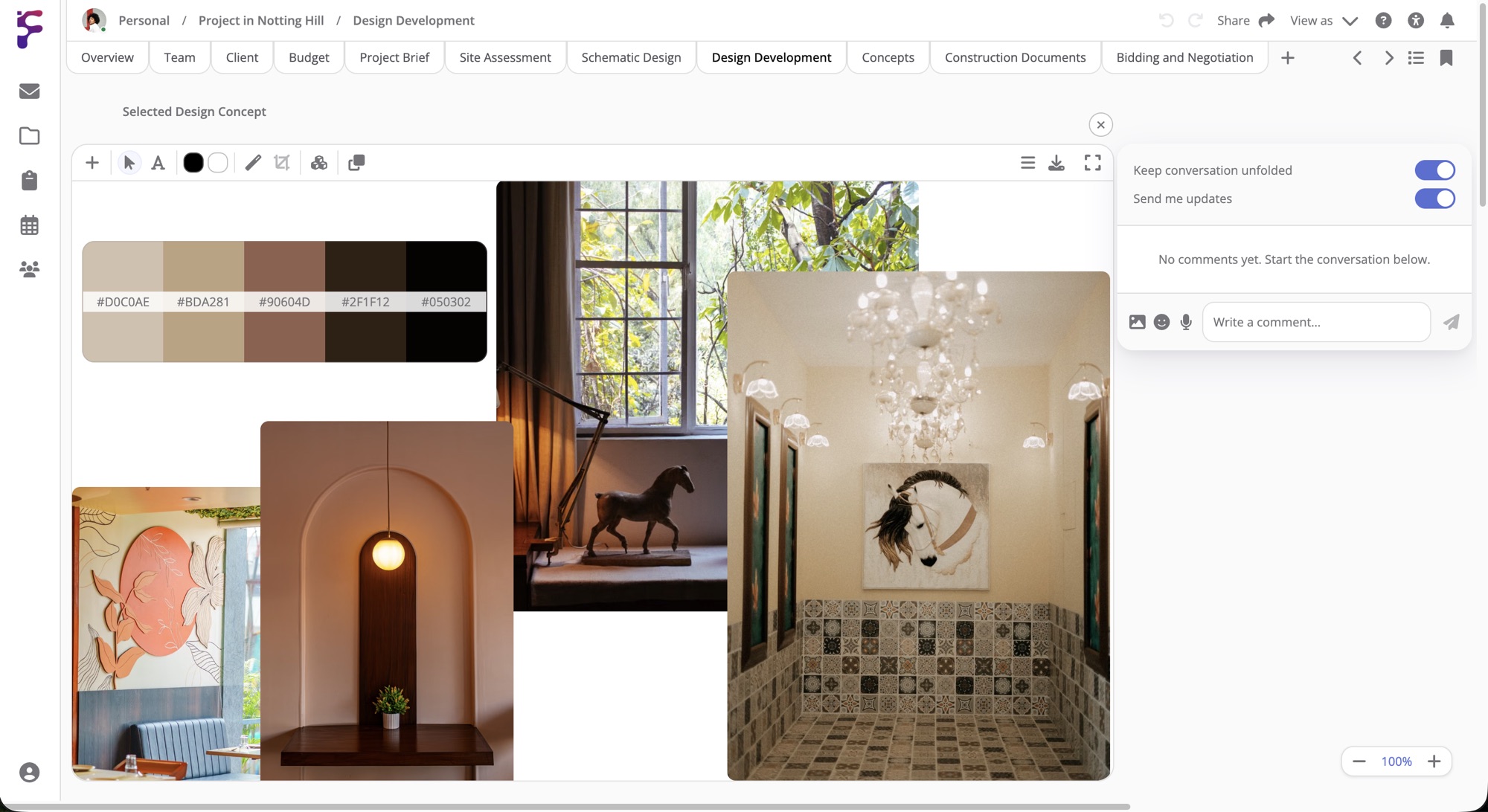
Connect a Colour Palette to your Moodboard to take the colours from the references, or on Studio and Pro, import an ASE or ACO swatch file. Each colour has its HEX, RGB, CMYK and HSL values, and a print profile like Coated FOGRA39 marks the colours a printer can't reproduce, before the proof does. On Pro, you can upload the printer's own ICC profile. Export the palette as a PDF with crop marks, or put a single colour in a Colour Chart and export it as CSS for the developer.
Setting The Copy In The Brand's Own Type
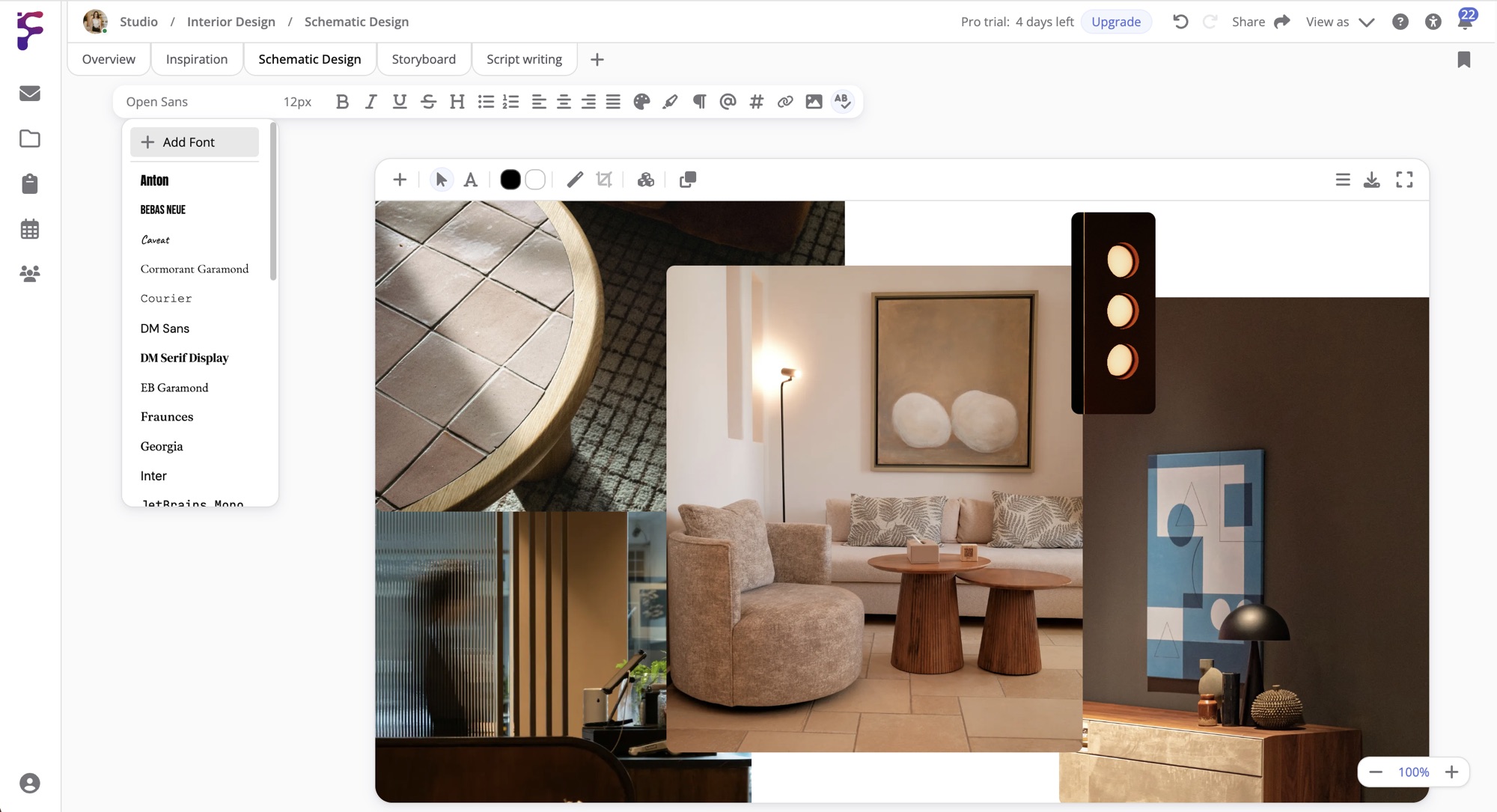
Upload the brand's fonts to the Text Editor and write the copy on the project page in the typeface it'll be set in. Add placeholder text to lay out a page before the copy arrives. Logos, lockups and approved pictures go in your inventory with a category for each client, so the next project for that client starts with them.
Every Round As It Was Sent
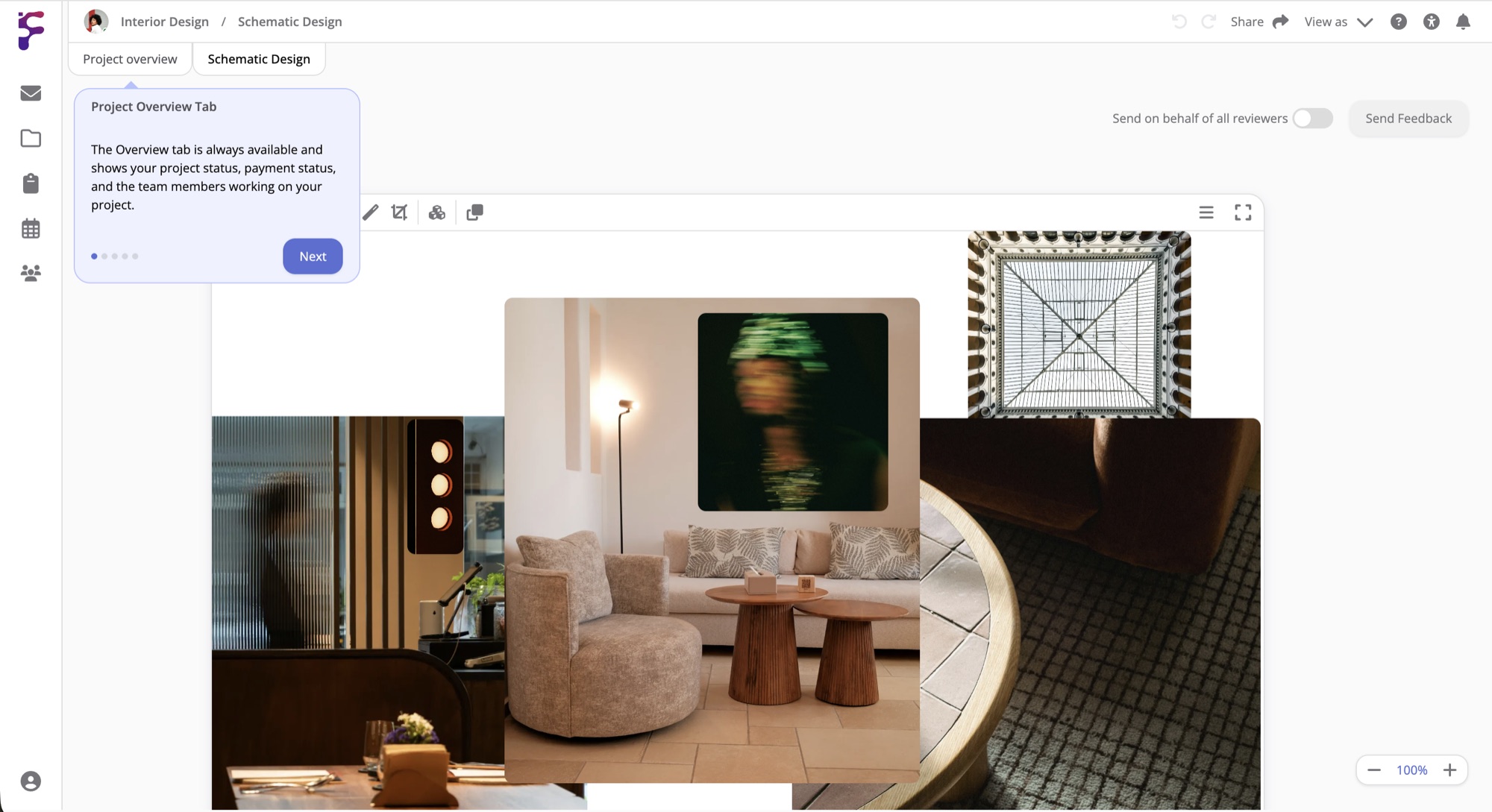
Hover Share and select Send to client. Your client sees the page exactly as it looked when you sent it, comments, approves and clicks Send Feedback. Anything you change afterwards doesn't reach them until you send the page again as the next round, so they always know which version they're looking at. Personal includes 3 client revisions per project, Studio 5 and Pro has no limit.
See Formta
In Action
30 days free, no card needed. Bring your team when you're ready.
Start free trial