For producers and project managers
Producers And Project Managers
When you're running more than one creative project at once, much of the day goes on finding out where each one is. The status is in a dashboard, the dates in a planner, the conversation in a chat tool and the report in a document that never quite agrees with any of them. Formta puts every project on one page and makes the monthly report from the project itself, so less of your week goes on chasing and more goes on the work.
Create more. Manage less.
Monday Morning, Every Project In View
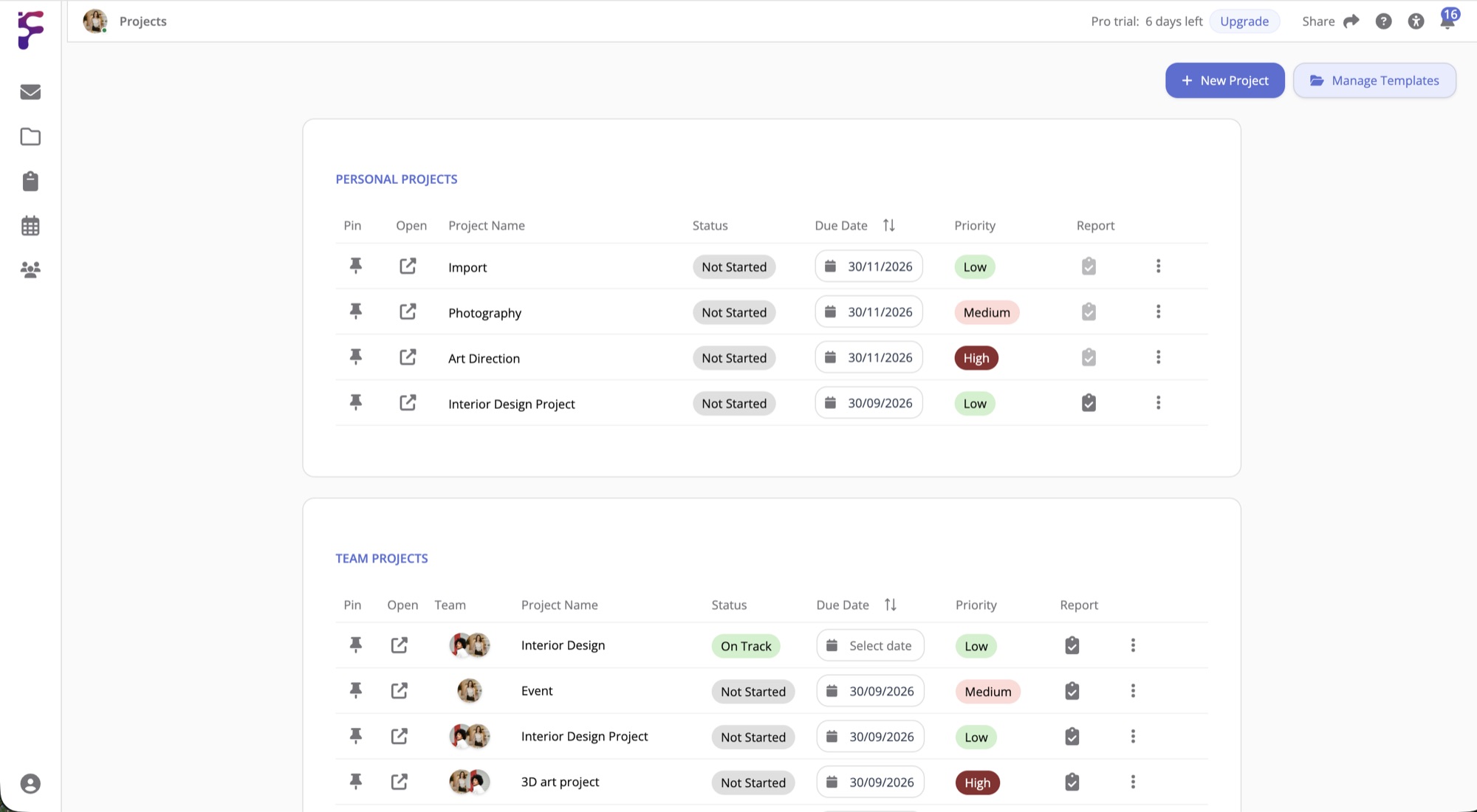
Start the week on the Projects page. It lists every project with its status, due date and priority, and you change the status or priority right in the list. Pin the projects you're running this week and they stay at the top. The Client Revisions table shows how many client revisions each project has left, and the Deliver column shows which projects have approved photos waiting to be sent.
The Monthly Report, Already Filled In
On Studio and Pro, Formta makes a report for each running project on the last day of every month, and a final one when you set a project to Completed. The team, timeline, budget status, upcoming deadlines, risks and roadblocks, goals and team mood are taken from the project, so you don't collect them by hand. Write the summary and the key learnings, then export it as a PDF for the client or the steering group.
Keeping Track Of The Money And The Orders
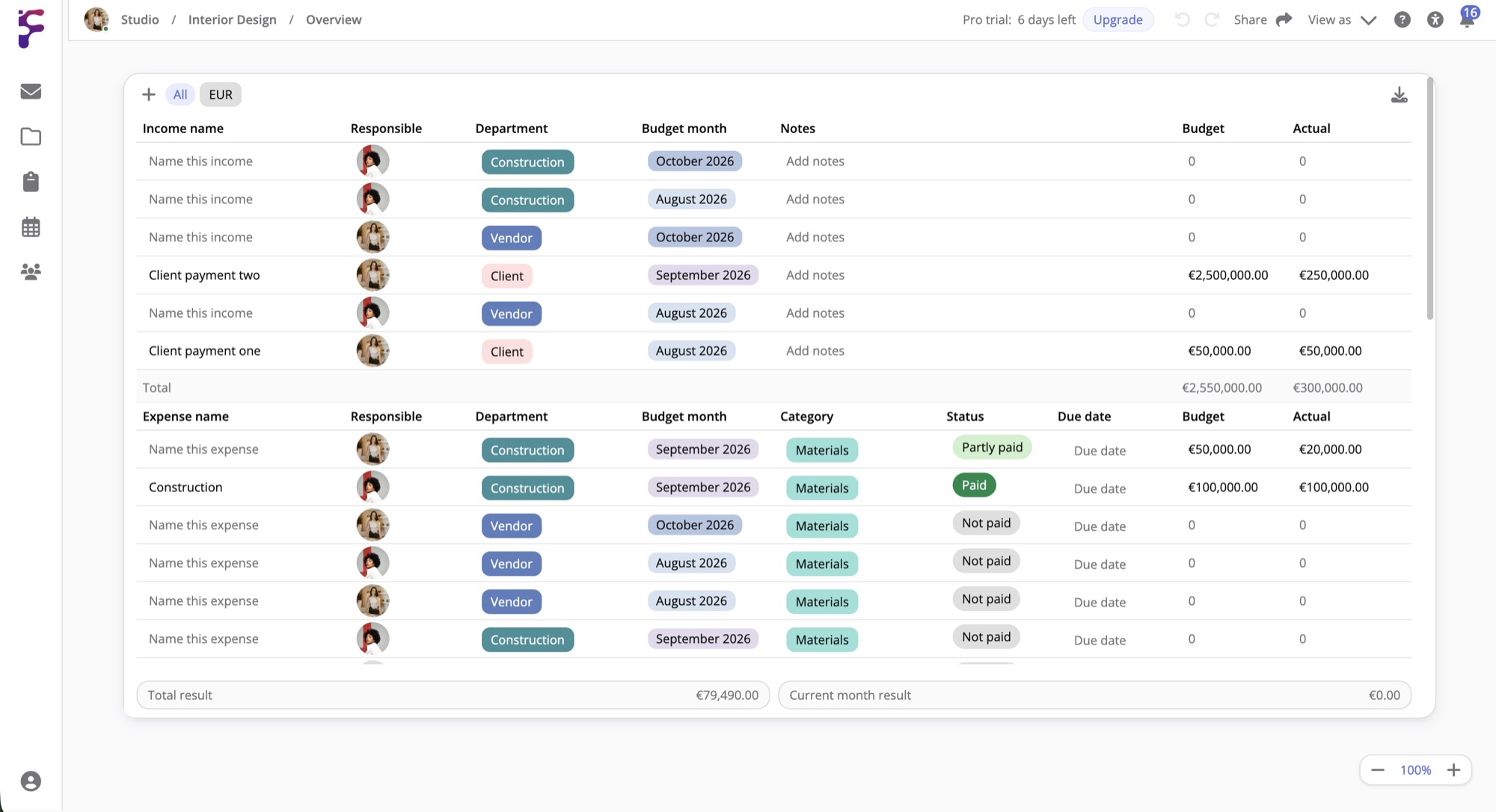
Keep the budget in a Budget Sheet, with each line's budget and actual amount, a Monthly view and a Department view, and a Budget Dashboard shows where the money comes from and where it goes. When something's ordered, a Tracking List follows it from ordered to delivered with its invoice status beside it, and a Payment Status Chart connected to it shows how many invoices are paid.
An Answer In Seconds, Even Away From Your Desk
When someone asks about a project you're not looking at, press ⌘ / Ctrl + K anywhere in Formta to find a project, page, element, task, meeting, client or team member. Turn on push notifications for a device, and mentions, comments and client updates reach you even when Formta isn't open. In Chrome and Edge, you can reply to a message or a comment from the notification itself.
See Formta
In Action
30 days free, no card needed. Bring your team when you're ready.
Start free trial