
For animators
Animation
Pre-production usually means a storyboard tool, a reference library and a timing sheet in three different places, and the version the client saw is in none of them. In Formta, the story, the script, the storyboard, the timing and the assets are on one project, in the order you work on them, with the team on the same canvas at the same time.
Create more. Manage less.
From The Brief To The Story
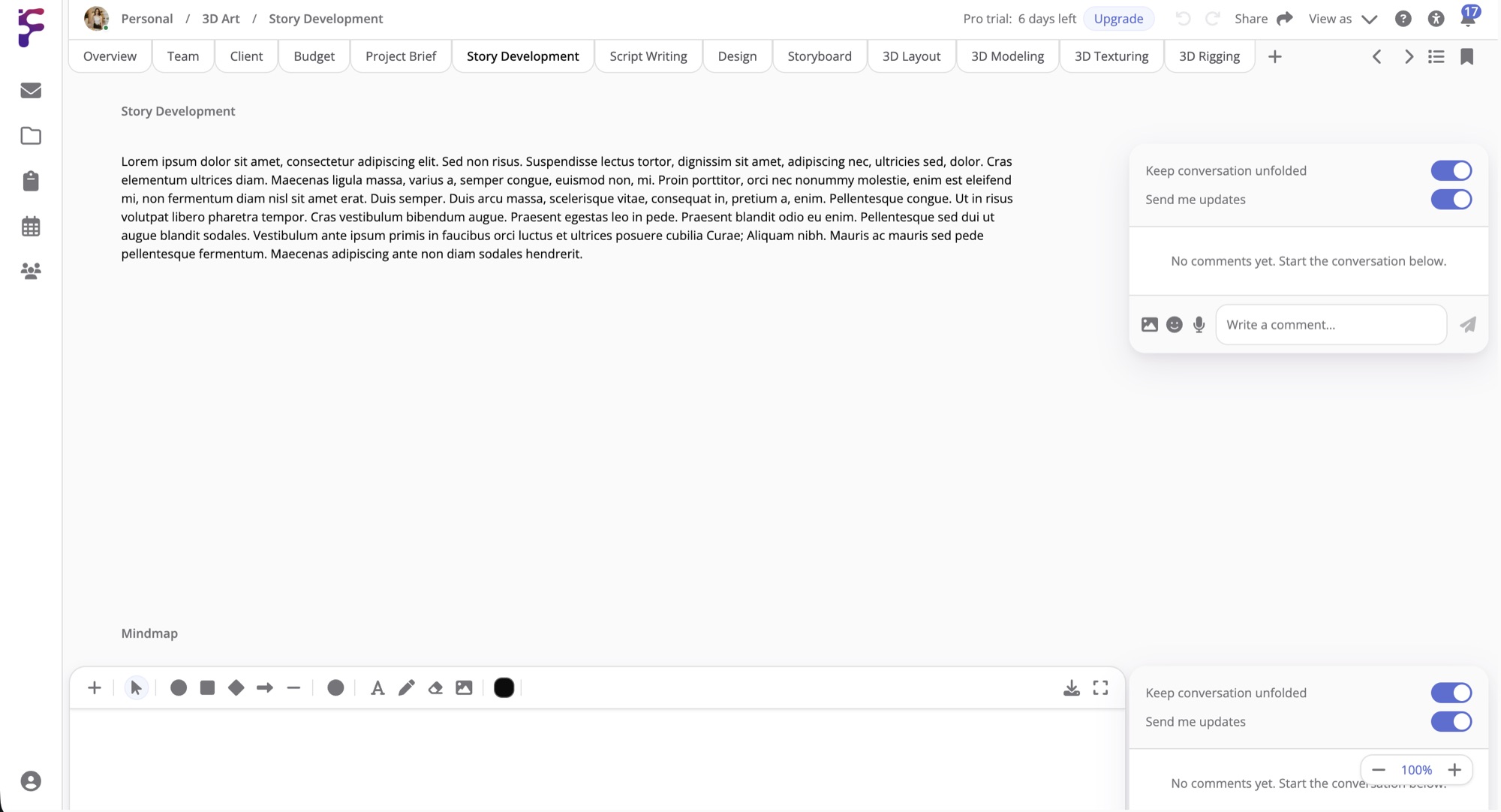
Start from the 3D art template. After the Project Brief comes the Story Development page, with a Mindmap to work out the characters, the world and how they connect, and a Whiteboard to sketch the first ideas, so the story is settled before anyone starts drawing frames.
Drawing The Script Frame By Frame
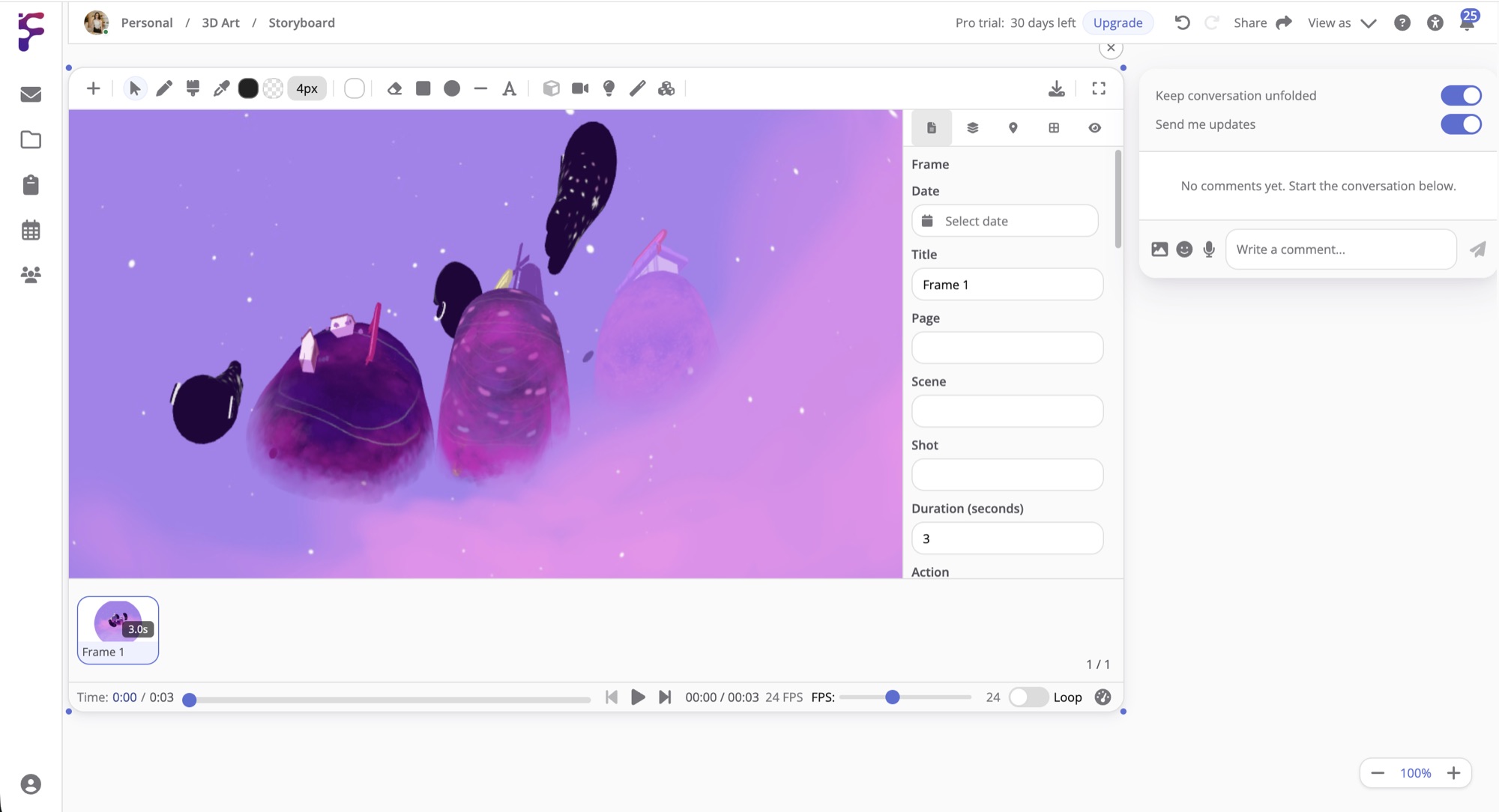
On the Script Writing page, each Storyboard frame gets its own canvas and its own layers, with a blend mode for each layer. Turn on the onion skin to see the frame before or after behind the one you're drawing, and show a grid or the rule of thirds to keep the framing steady. Beside the canvas, each frame has its scene, shot, duration, action, dialogue, audio, camera movement and transition.
Timing The Animatic Before Anyone Animates
Press Space and the Storyboard plays each frame for its duration, with its transitions, so you can feel the timing long before a frame is animated. Animate something in a frame with a fade, a slide, a scale, a rotation or a bounce, and turn on parallax so the layers move at different speeds for a sense of depth. Export the animatic as an MP4, a WebM, a MOV, an animated GIF or an animated PNG, or connect a Video element to the Storyboard so it plays on the page and updates when a frame changes.
Staging The Scene With Its Assets
The 3D Layout page has a Storyboard beside Inventory Lists of the assets the scene needs, like the materials and textures and the environment. On Studio and Pro, add 3D models, cameras and lights to a frame from GLTF, GLB, FBX, OBJ or 3DM files, place the camera and draw your notes over the scene. A frame with 3D exports as GLB, glTF or OBJ, so the animator starts from the staging you agreed on. The animation itself still happens in your animation software.
Sign-Off Before Production Starts
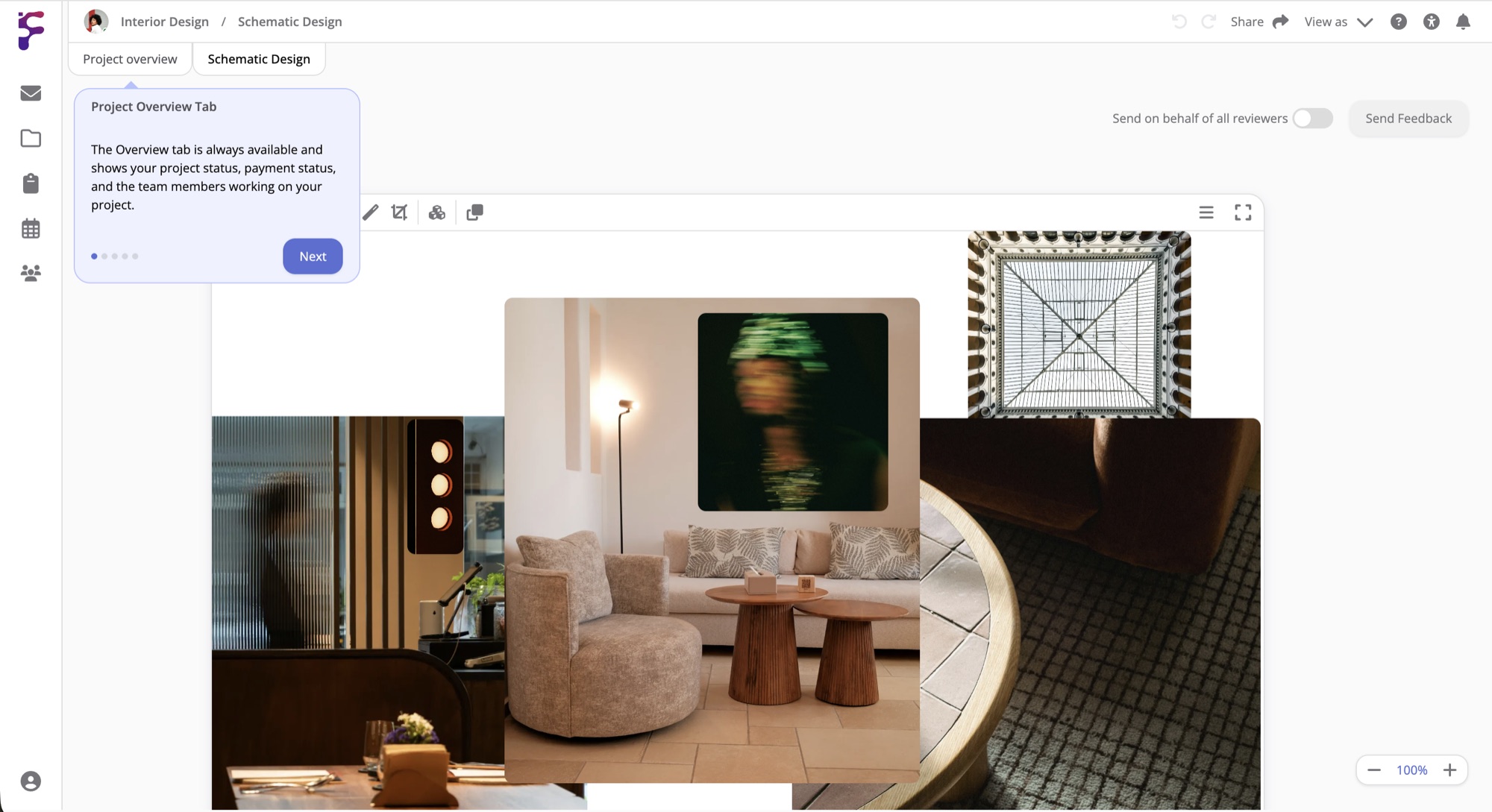
Hover Share on the project page and select Send to client to send the page with the animatic. Your client creates a free Formta account, or signs in, comments and approves the Storyboard when it's right. When they ask for changes, make them and send the page again, and the new round opens in its own tab next to the last one. Keep characters, props and backgrounds in your inventory with tags like in progress or final, so the next production can use them too.
See Formta
In Action
30 days free, no card needed. Bring your team when you're ready.
Start free trial