
For audio and music producers
Audio And Music
An album takes months of writing, tracking, mixing and mastering, with a producer, an artist, an engineer and a label each keeping their own calendar. The demos are in one place, the artwork in another and the label's notes in an email. Formta keeps the whole release on one project, so the schedule, the demos, the artwork, the press and the marketing plan are all in the place they belong.
Create more. Manage less.
From Writing Days To Mastering, On One Timeline
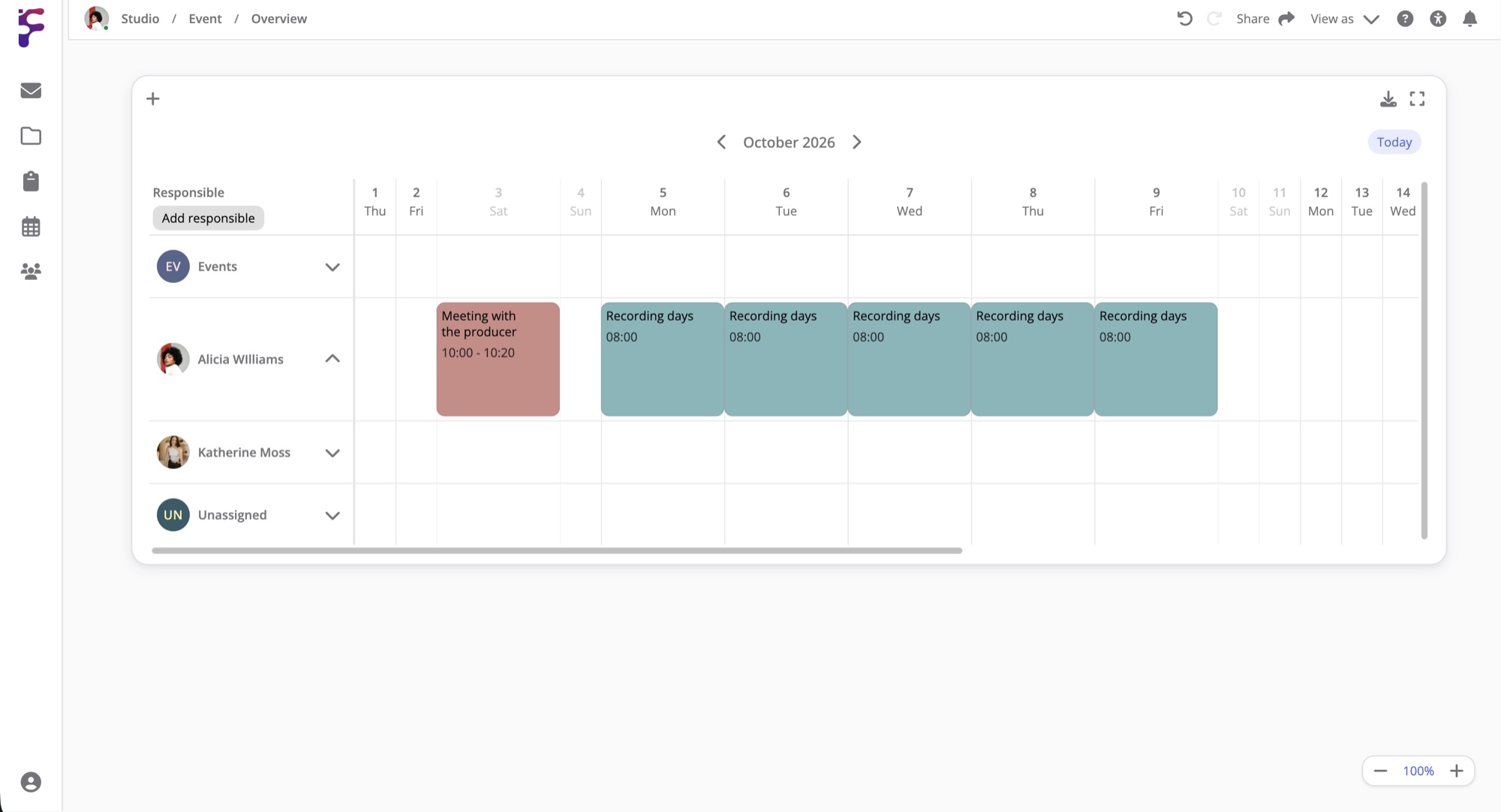
Plan the release on a Timeline, which shows the project's events, tasks and meetings a month at a time, day by day, with a row for each person. Put the writing days, studio sessions, mixing and mastering in the rows of the people doing them, and you can see who's busy when. When a session slips, drag it to another day or onto someone else's row, and the change shows on the Calendar page too.
Booking The Session, Keeping The Notes
Add each studio session to a Meeting List and everyone you invite gets an email invitation. If the session moves, right-click it and select Send Update, so nobody turns up on the wrong day. Lyrics, credits and session notes go on the same project page in the Text Editor, and typing @ mentions the engineer who needs to read them.
Every Mix Beside Its Notes
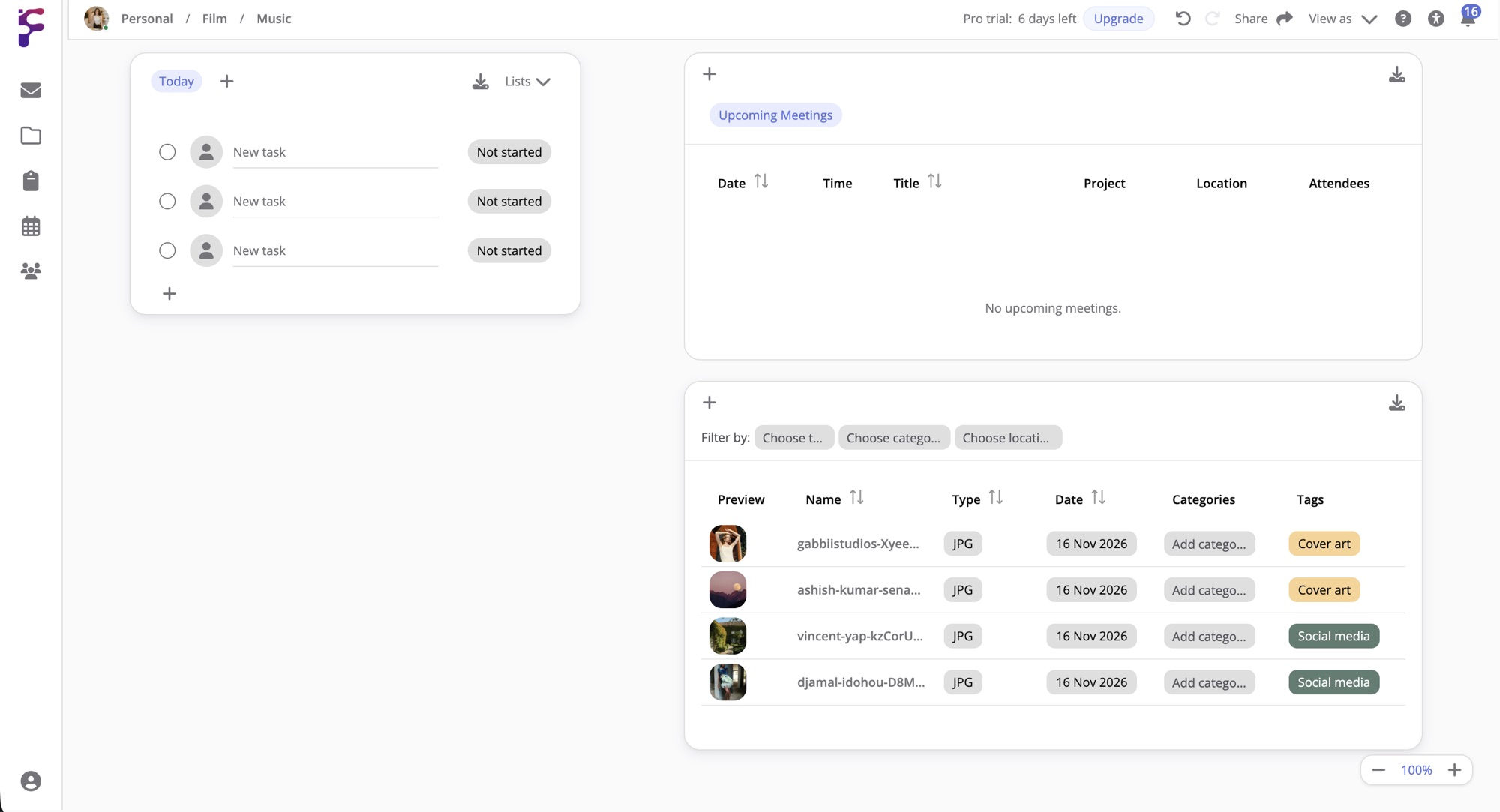
On Pro, upload each mix, up to 500 MB per file in MP3, WAV, AAC, M4A, OGG, FLAC or WEBA, and put it on a Moodboard next to the artwork and the notes about it. Audio isn't included on Personal or Studio, so on those plans keep a link to each mix in a Table, with a row for each version and a column for the notes.
The Artist And The Label Sign Off
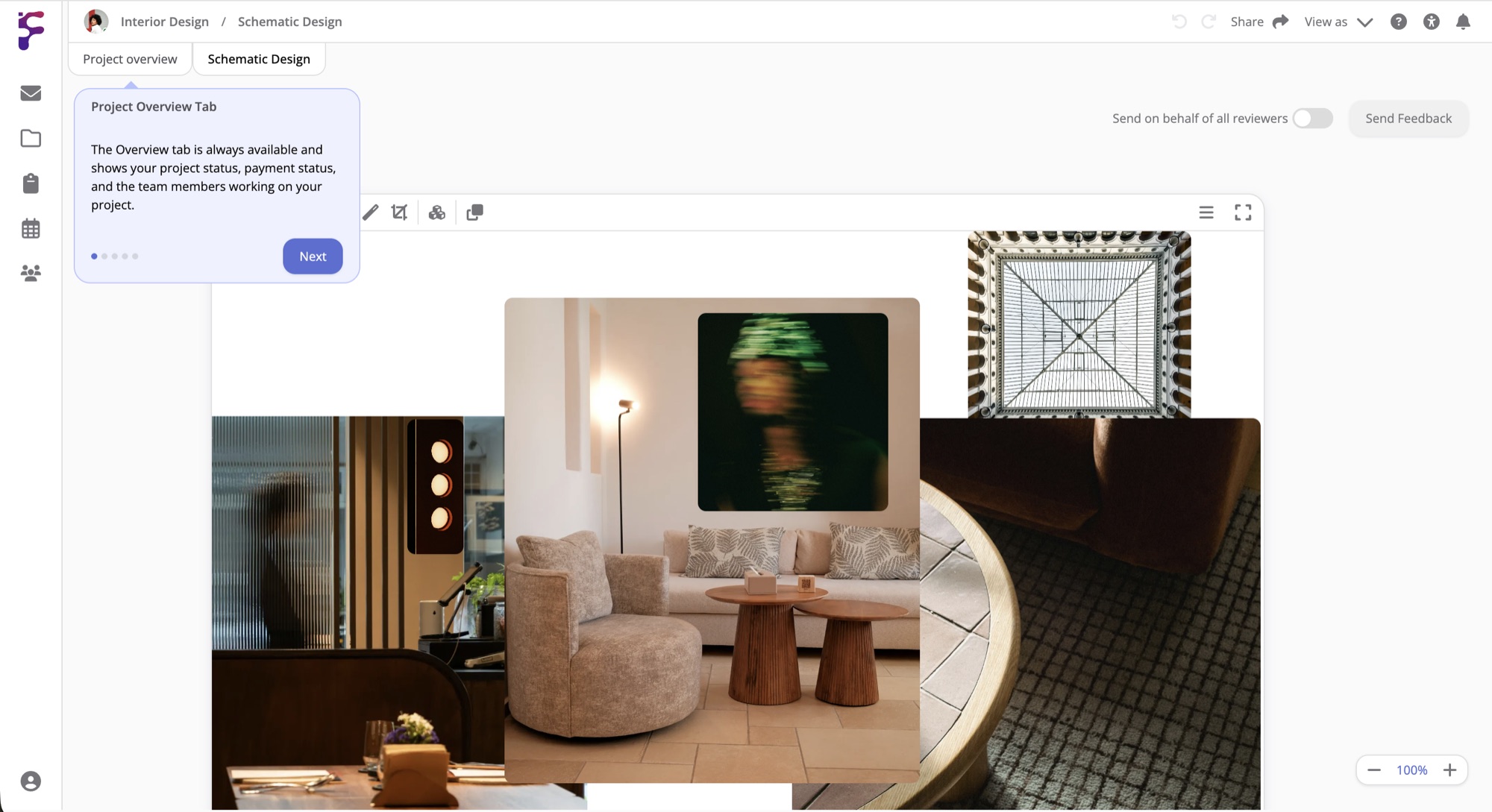
When a mix or the artwork is ready, hover Share and select Send to client to send the artist, their manager or the label the page. They create a free Formta account, or sign in, then comment and approve, and each round is kept in its own tab. The release budget can go too. In the Budget Sheet, click the eye icon beside any line that isn't for them, and they see a muted Private line in its place while the totals still add up.
See Formta
In Action
30 days free, no card needed. Bring your team when you're ready.
Start free trial