
For game designers
Game Design
Engine time is the expensive part of a cutscene, a key art sequence or a trailer cut. The shot order, the timing, the camera and the gameplay state are cheaper to settle before anyone opens the engine, but that planning usually ends up split between a doc, a folder of sketches and a spreadsheet. In Formta, the story, the shot plan with 3D layers on each frame, the assets and the schedule are on one project, in the order you work on them.
Create more. Manage less.
From The Brief To The Story
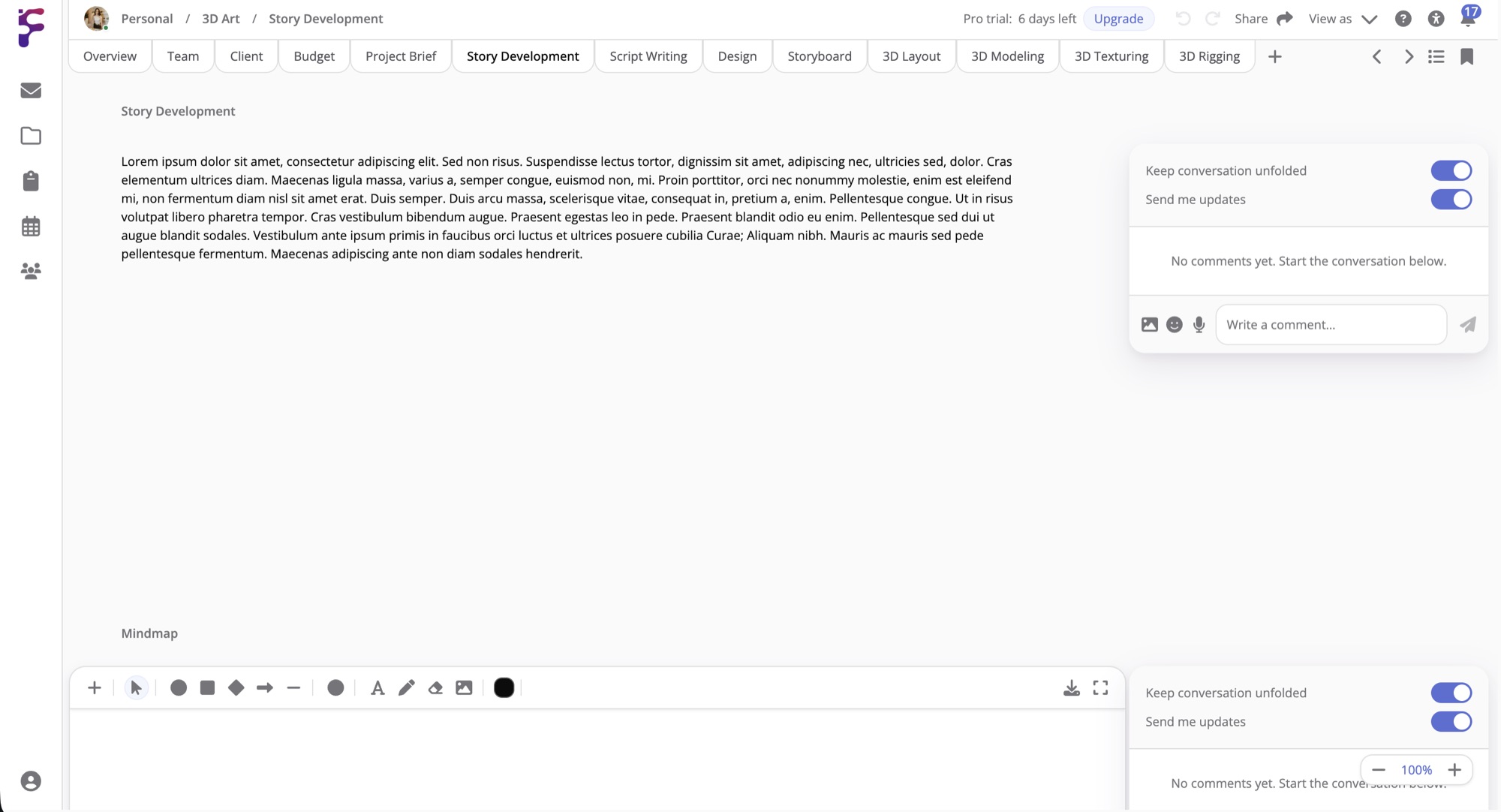
Start from the 3D art template. After the Project Brief comes the Story Development page, with a Mindmap to work out the characters, the world and how they connect, and a Whiteboard to sketch the first ideas, so the story behind the cutscene is settled before anyone opens the engine.
Watch The Cutscene Before It's Built
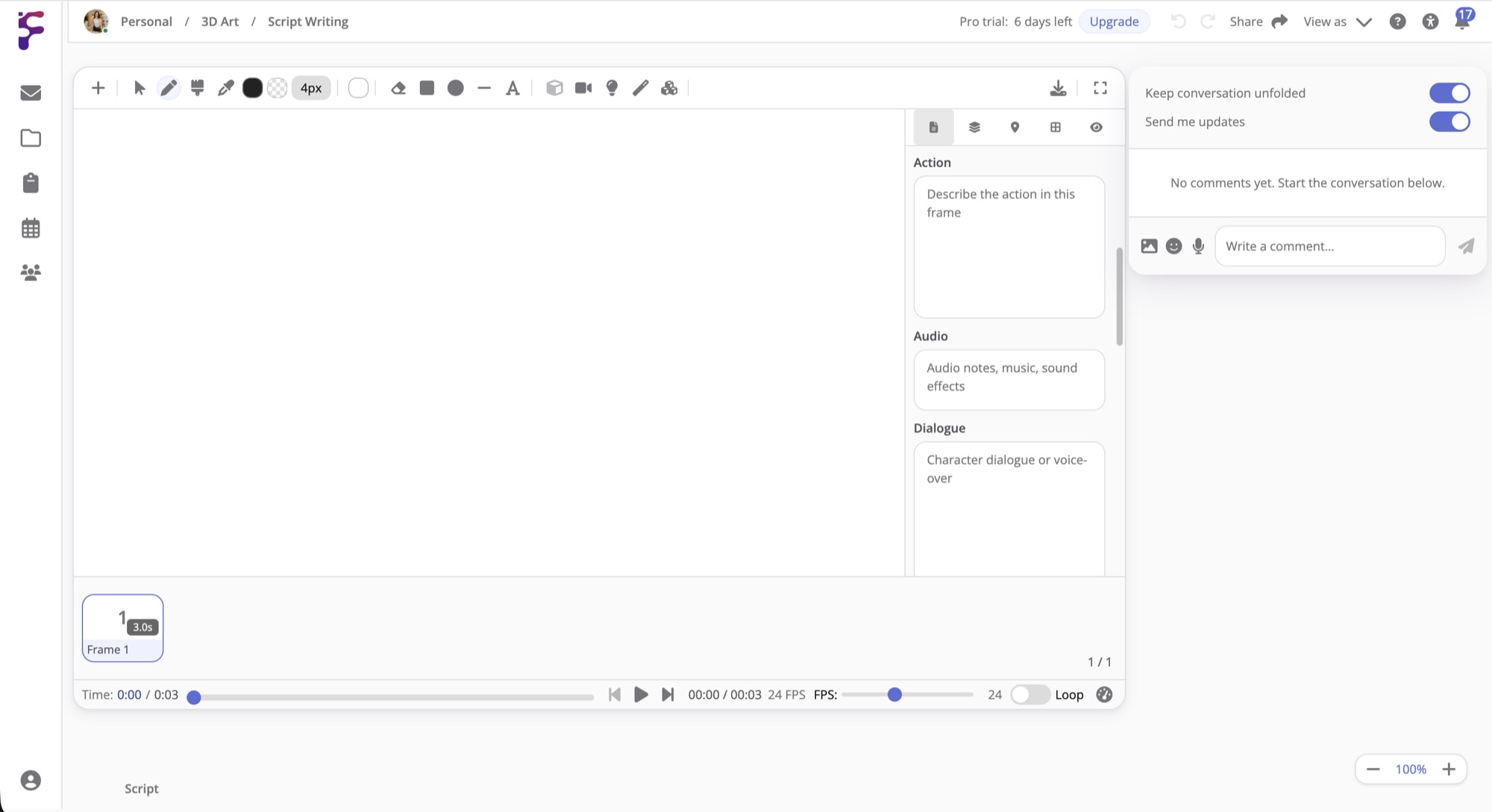
On the Script Writing page, each Storyboard frame has a canvas with layers and the shot's details beside it, like scene, shot, duration, action, dialogue, audio, camera movement and transition. Press Space to play the sequence with its timing, and when the pacing feels right, export it as an MP4, a WebM or an animated GIF so the team sees the cut before any engine time goes into it.
Blocking The Shot With Your Own Characters
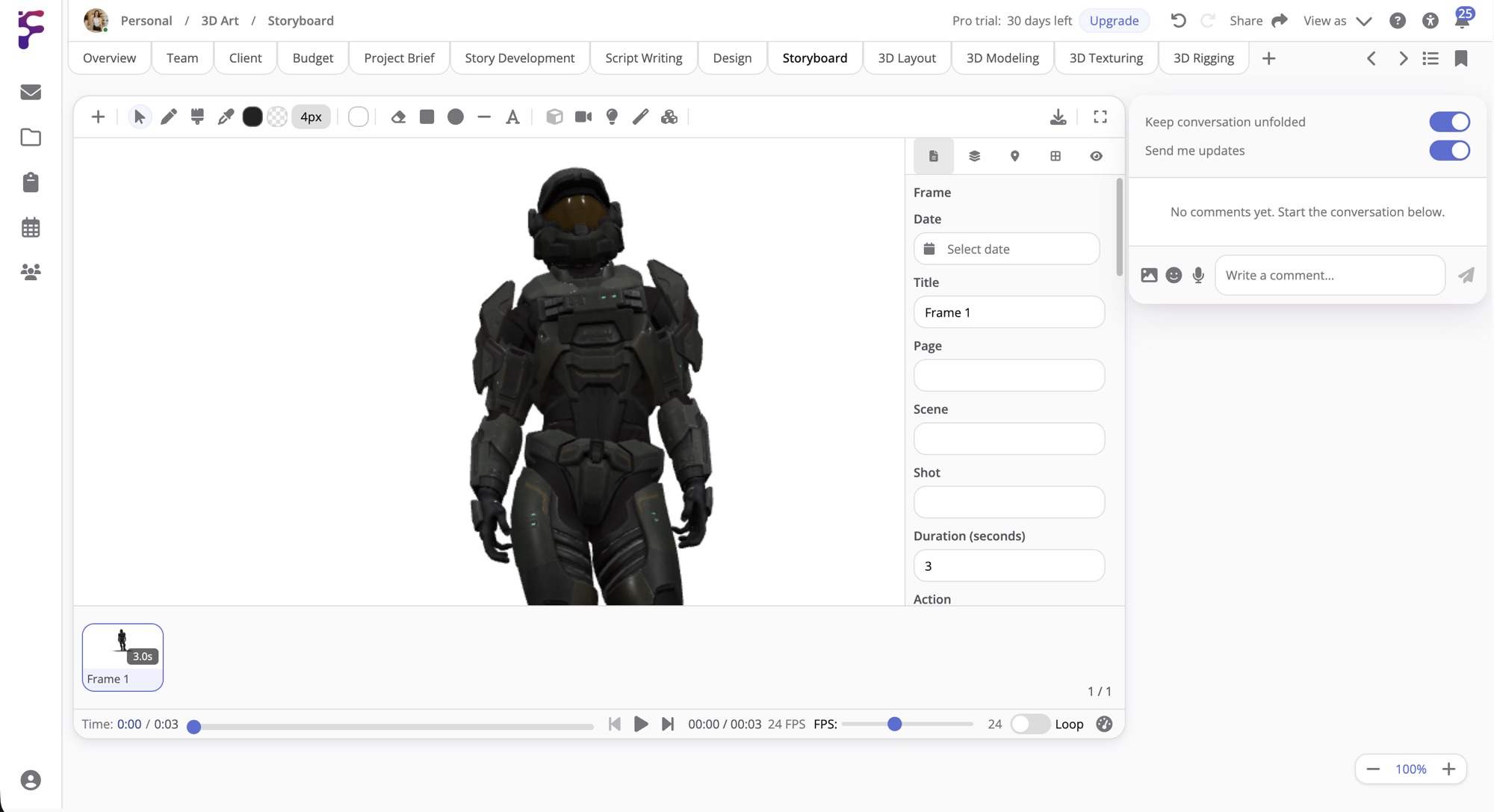
The 3D Layout page has a Storyboard beside Inventory Lists of the assets the scene needs, like the materials and textures and the environment. On Studio and Pro, add 3D models, cameras and lights to a frame from the GLTF, GLB, FBX, OBJ or 3DM files you already have, place the camera and draw your notes over the scene. When the shot's agreed, export the frame as GLB, glTF or OBJ for the animator or the engine team. The game itself is still built in your engine.
Every Feature And Bug Has Someone On It
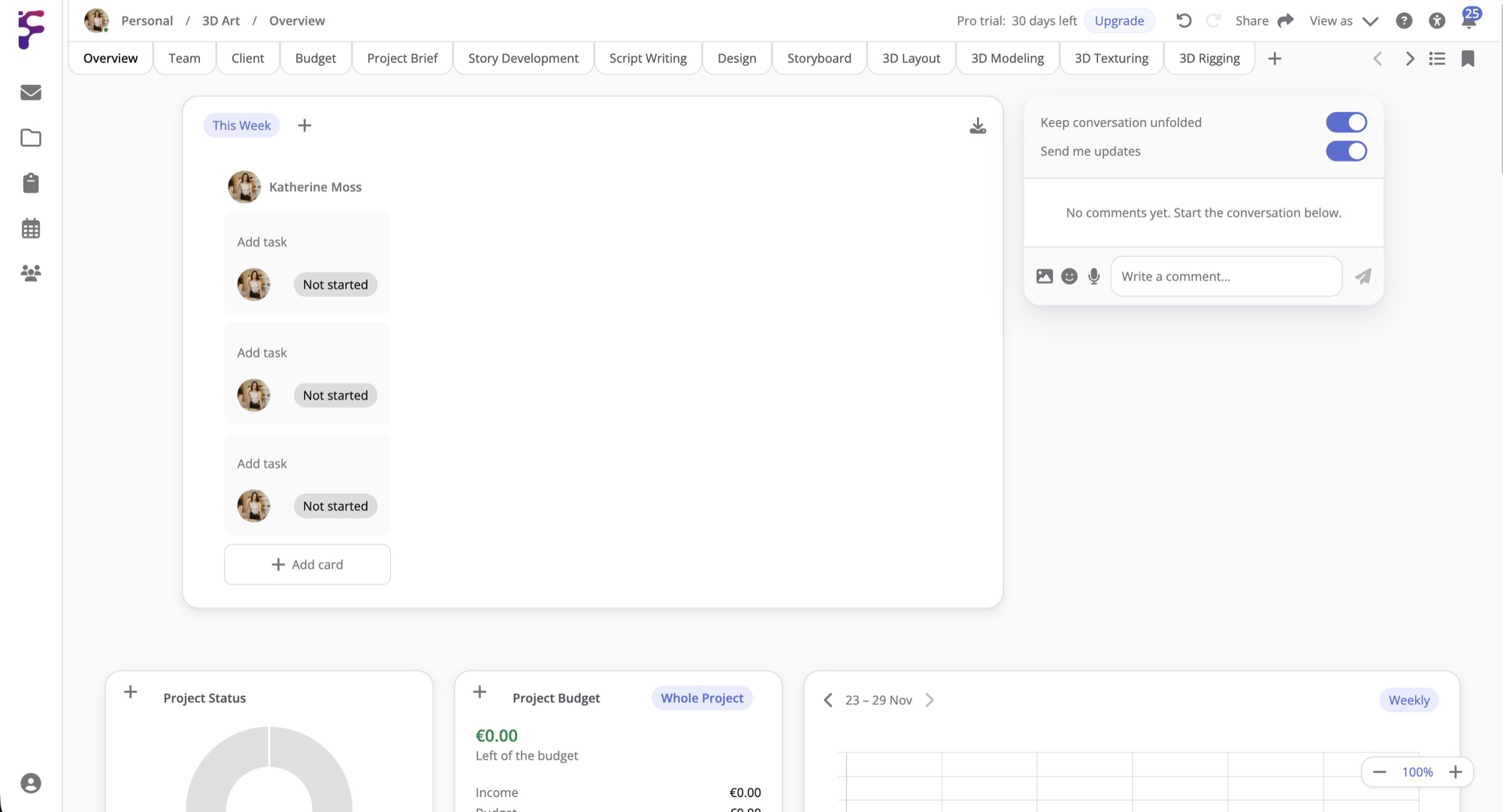
Features and bugs go on a To Do Kanban as cards in columns you name yourself, like Backlog, In Progress, In Review and Done, each with a status and a responsible person. A longer backlog you want to sort and export suits a Table, and the Timeline shows the key dates and who's working on what, a month at a time. Everyone on the project sees each other's changes as they happen, with each person's cursor and name.
The Build Review With The Publisher
When a build is ready for review, hover Share and select Send to client to send its page to the publisher or a playtester. They create a free Formta account, or sign in, comment and approve, and each round opens in its own tab. The characters, environments, concept art and UI references stay in your inventory, so the next game in the series starts with them.
See Formta
In Action
30 days free, no card needed. Bring your team when you're ready.
Start free trial