
For fashion designers
Fashion
A collection starts as a pile of references, like a jacket from a runway look, buttons from a vintage shop or a fabric you saved online at 11pm. By the time it's a line sheet, they're spread across your phone, your desktop and a handful of supplier inboxes. Formta keeps every reference, fabric and supplier in one inventory, and carries the collection from the first moodboard to the lookbook, and on into next season.
Create more. Manage less.
The Season Starts On A Moodboard
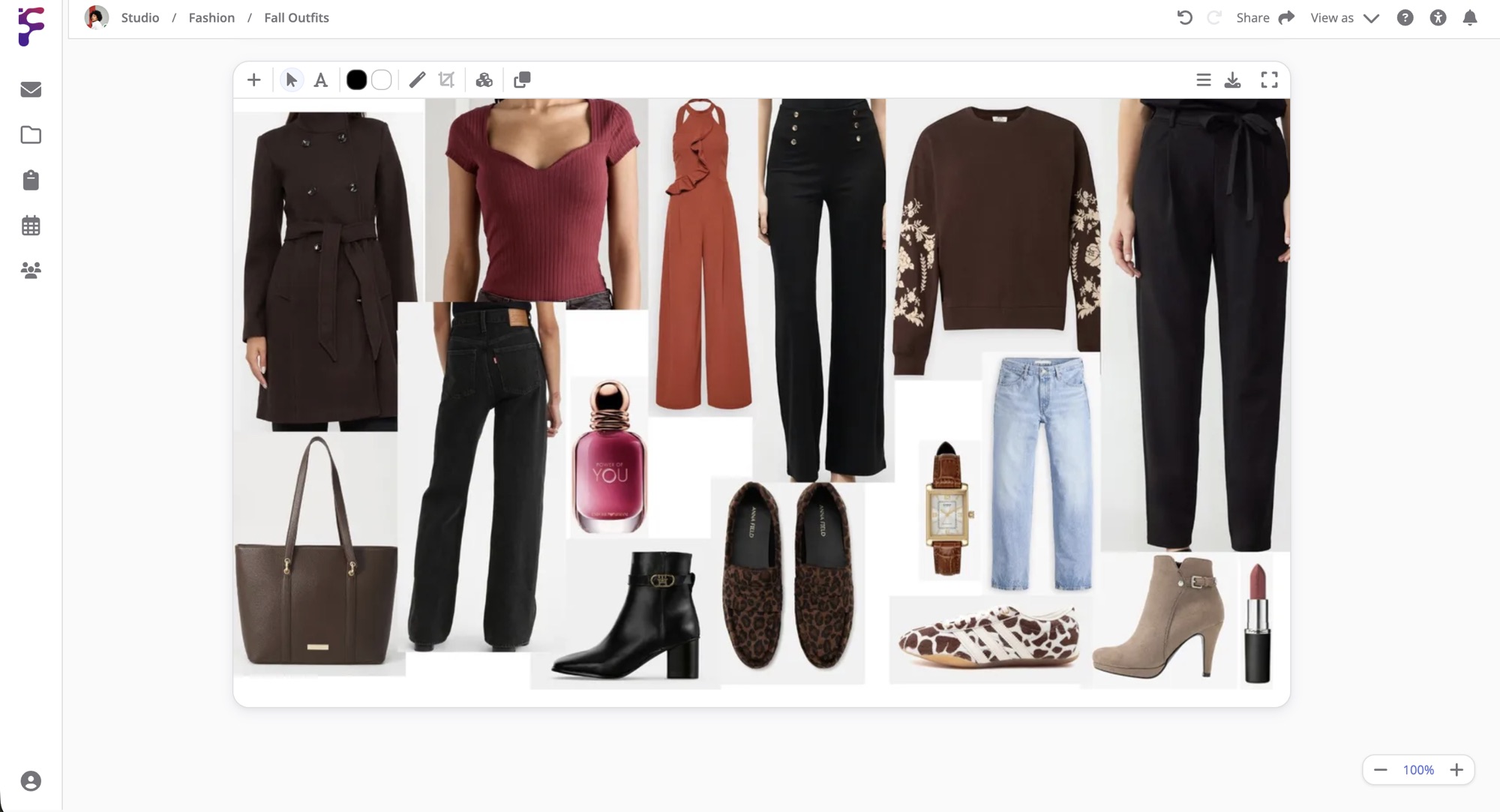
Put runway references, fabric scans, sketches and swatches on the collection's Moodboard. On Studio and Pro, Photoshop and Illustrator files show on it too, so the flats sit next to the photos. When the mood's settled, connect a Colour Palette to take the season's colours from the moodboard, and select the print profile your printer uses, like Coated FOGRA39. The palette's export then gives each colour's CMYK values for that profile, and a colour that will shift when it's printed is marked, with the closest colour that won't.
Every Fabric And Trim Where You Can Find It
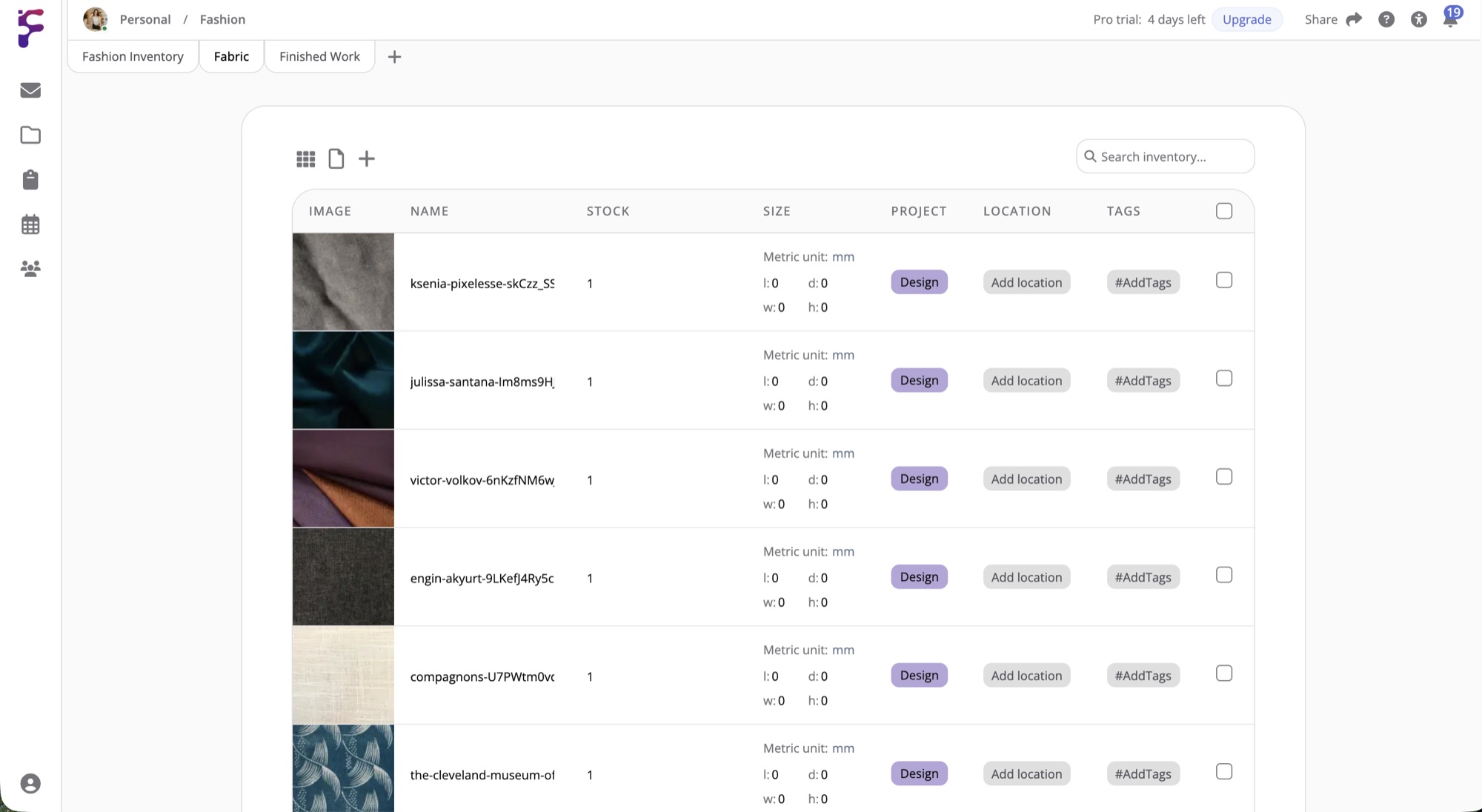
Every fabric, trim, button and reference goes into your inventory, with categories like fabrics, trims and accessories and tags like season, colour and supplier. Give each season its own inventory in its own tab if you like. An item can be on more than one project, so the fabric you're reordering shows in every collection that uses it, and last season's supplier is tagged on it.
Sourcing From A Product Page
Found the right trim on a supplier's site? In a Shopping Selection, hover + and select Product URL, then paste the link. Formta finds the photos on the page so you can select the ones you want, and you add the name, price, number of items and notes. Send the page to your client and they approve the items they want. Once an item is approved it can't be changed, so what you order is what was approved, and a connected Tracking List follows each order until it's delivered and paid.
From Line Sheet To Lookbook
Keep the line sheet in a Table, with a column for each style's fabric, colour, price and photo. When the lookbook is shot, the photographer shares the photos in a Photo Selection, you select the ones for the lookbook, and the high-resolution files go to the graphic designer making it, with a download link that's valid for 7 days. Once a collection has worked, save the project as a template, and next season starts with the same pages.
See Formta
In Action
30 days free, no card needed. Bring your team when you're ready.
Start free trial